01
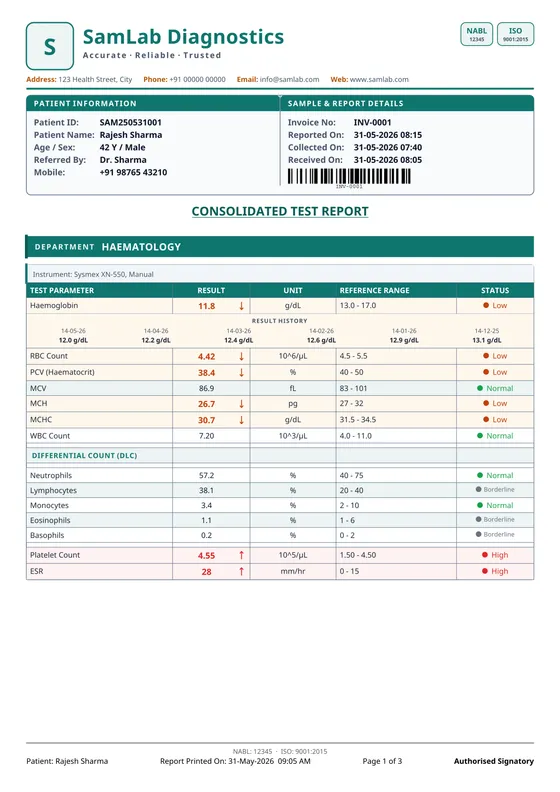
Classic
- Boxed table
- Department bands
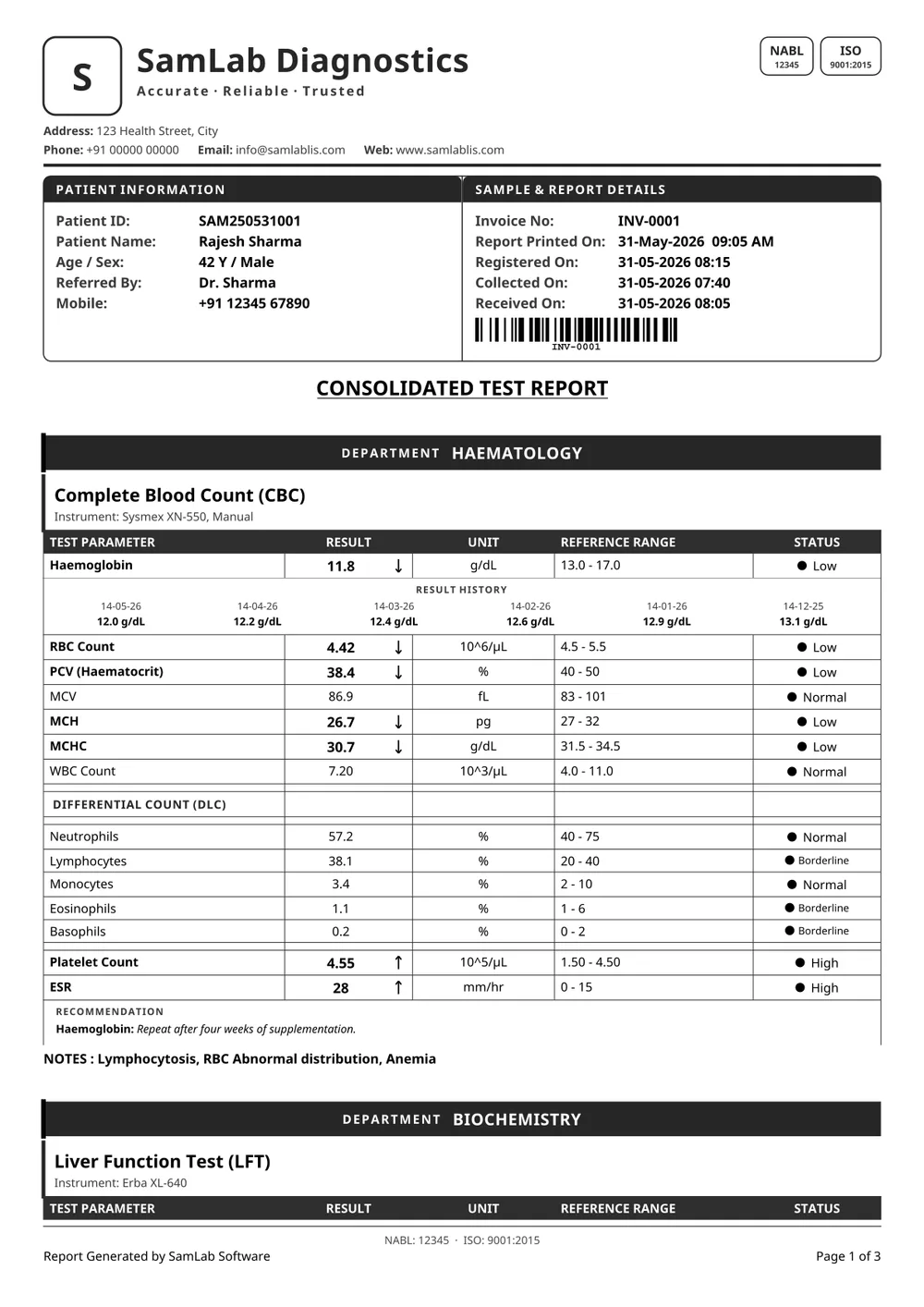
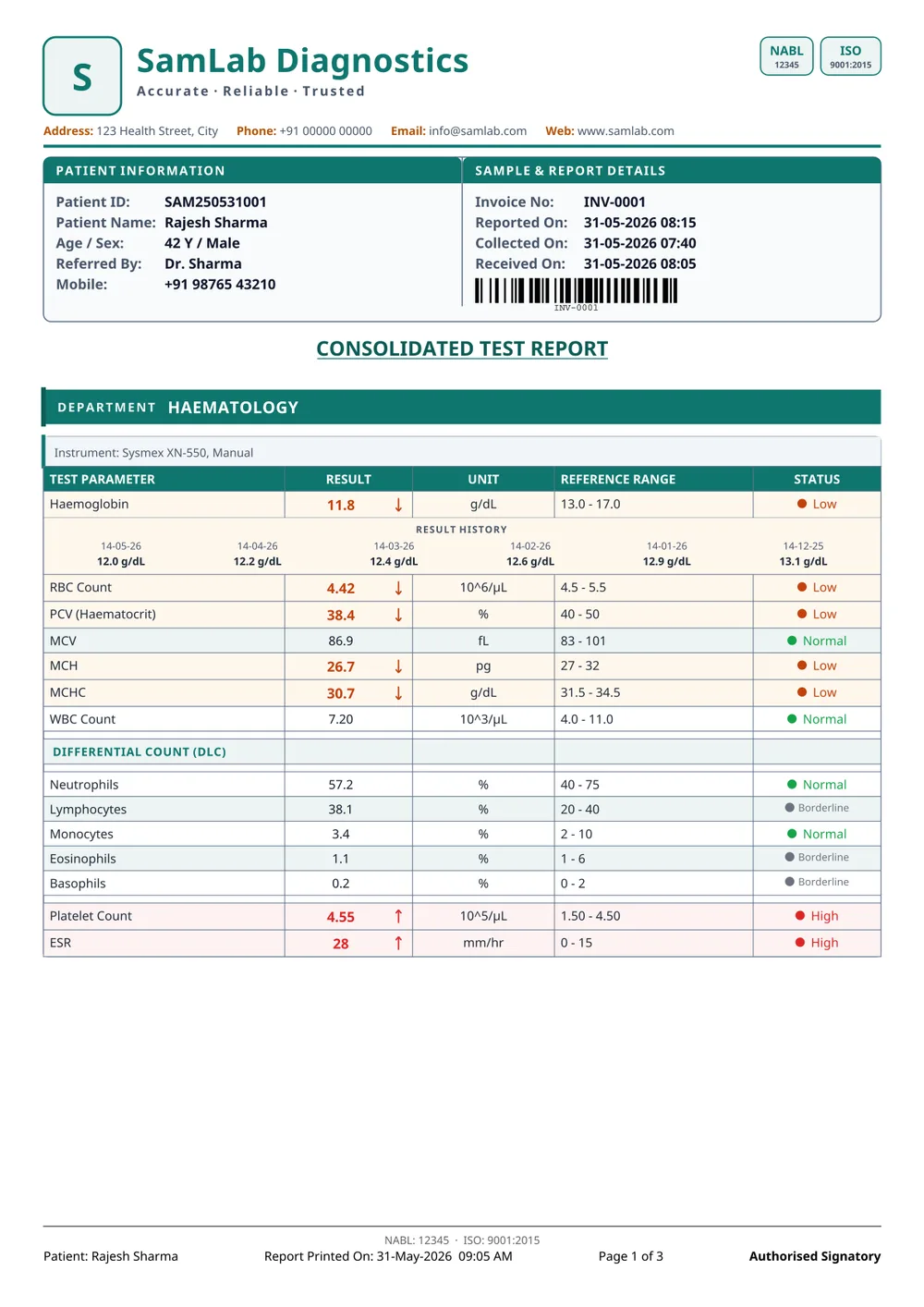
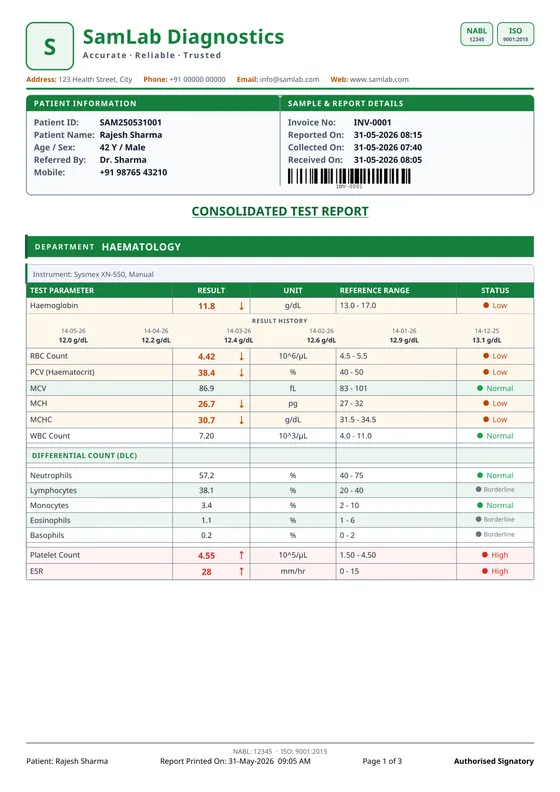
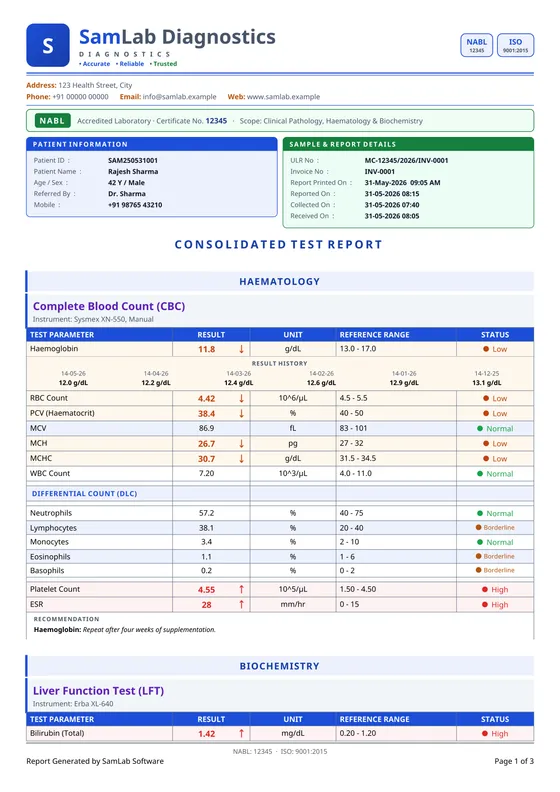
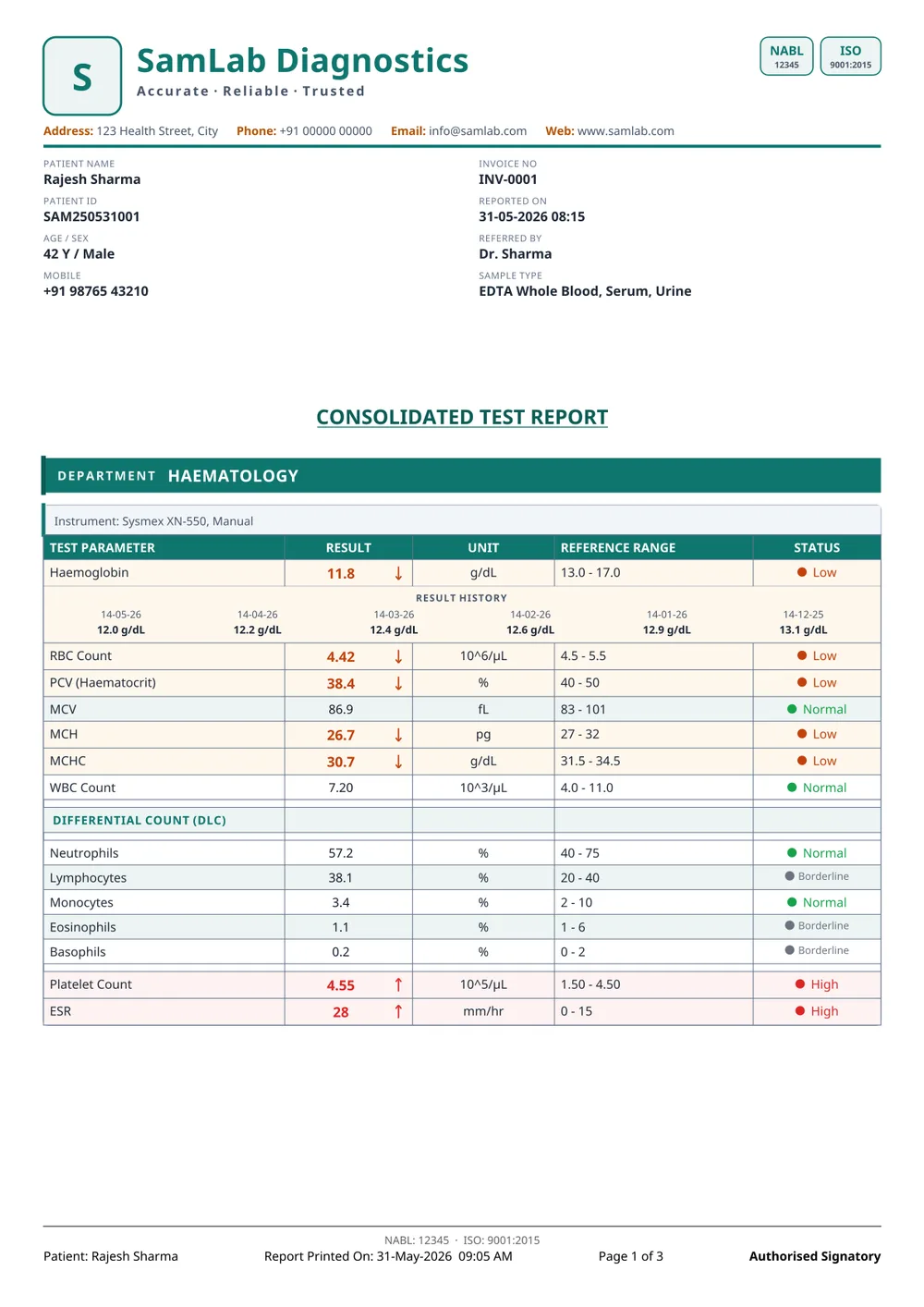
Teal logo tile and lab name, a boxed patient and sample panel, every department opened by a teal band, and a fully boxed results table with a worded status on each row.
The default. Suits most labs unchanged.
All 20 designs the app ships, each one in colour and in black & white. Find yours by how it looks, drag across any sheet to compare, and download the real PDF to try on your own printer.
Every file is a real report printed by SamLab, watermarked as a sample. The lab, patient and results in them are fictitious.
Custom report designs are a paid service: ₹1,000 + GST per design. Send the report you print today and we rebuild it as your own SamLab template.
Send your reportGet a quoteA lab report must identify the patient and the specimen, state each test with its result, unit and reference range, flag values outside that range, and name the person who verified it alongside the laboratory and its address. SamLab ships multiple report designs and a designer for laboratories that need their own layout.
Each choice below is shown on a real page the app printed. Make them once and every report your lab prints follows.
 SamLab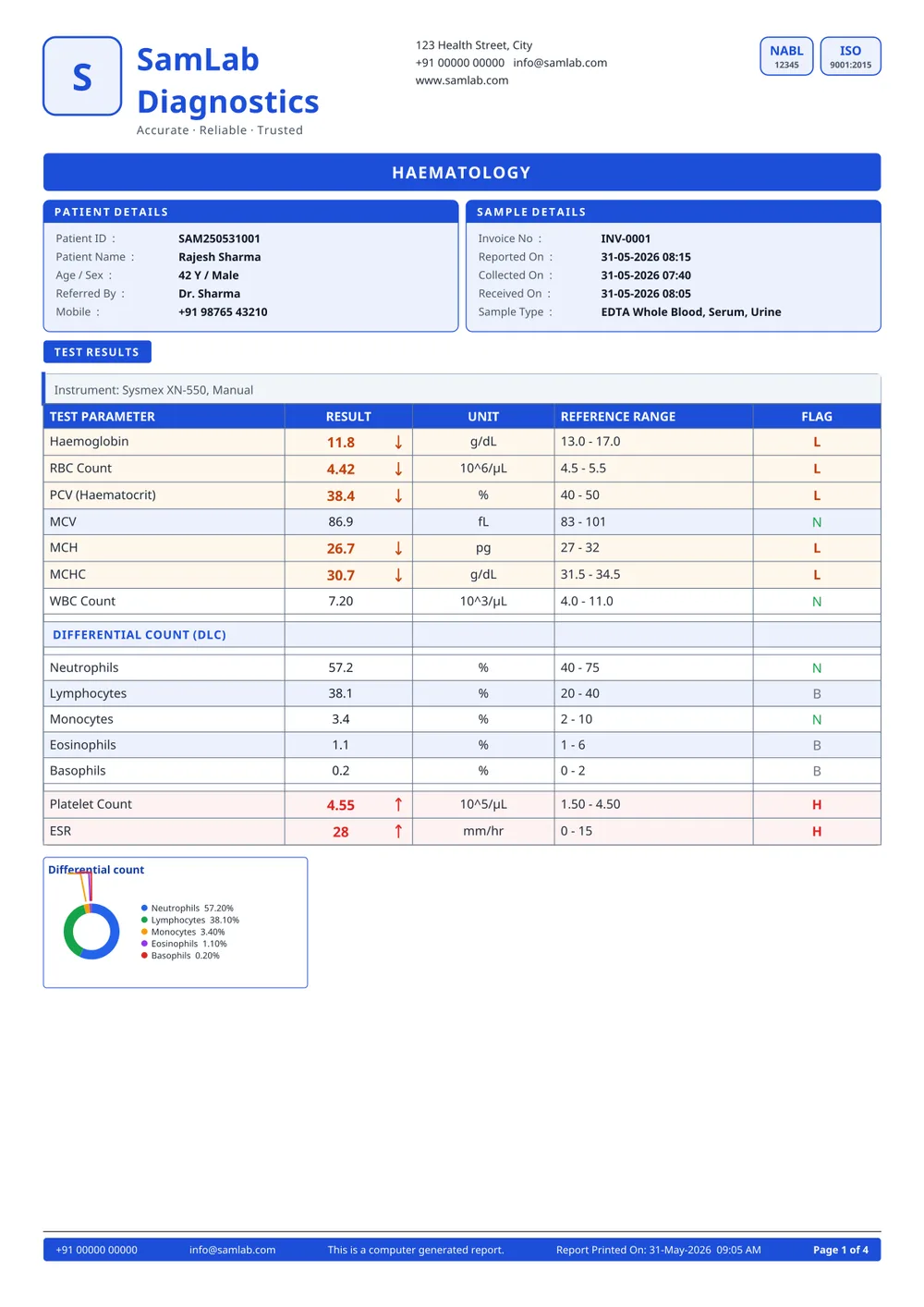
Drag across any sheet to see it in black & white, or click it to read every page. Not sure of a name? Describe what you want — “no lines”, “with graphs”, “yellow header”.
All 20 templates
01
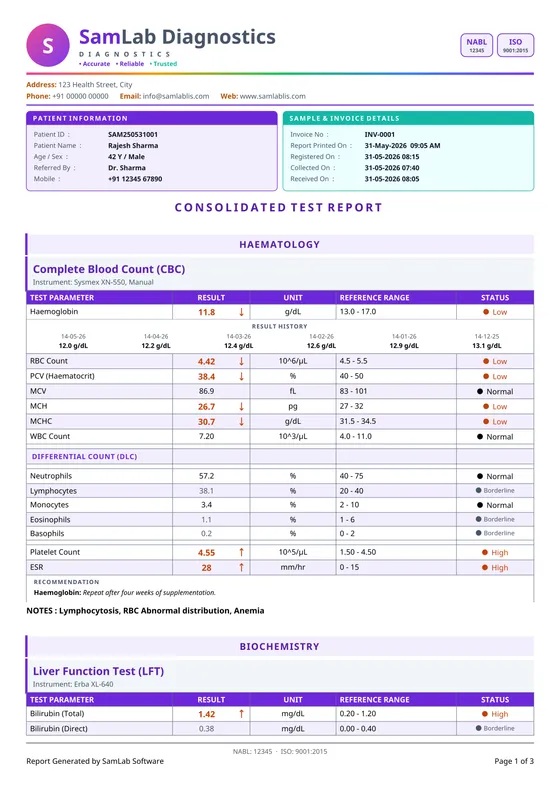
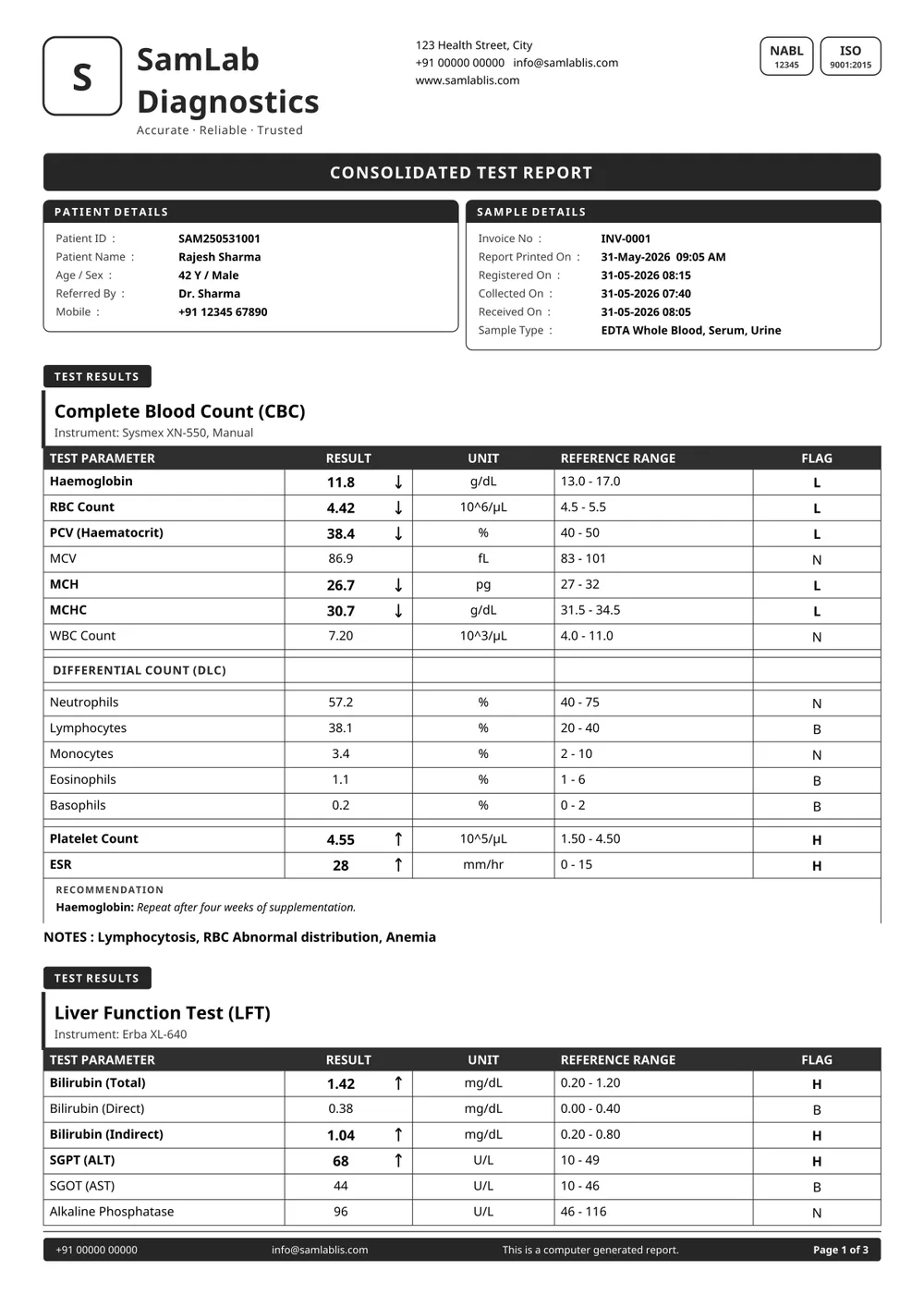
Teal logo tile and lab name, a boxed patient and sample panel, every department opened by a teal band, and a fully boxed results table with a worded status on each row.
The default. Suits most labs unchanged.
02
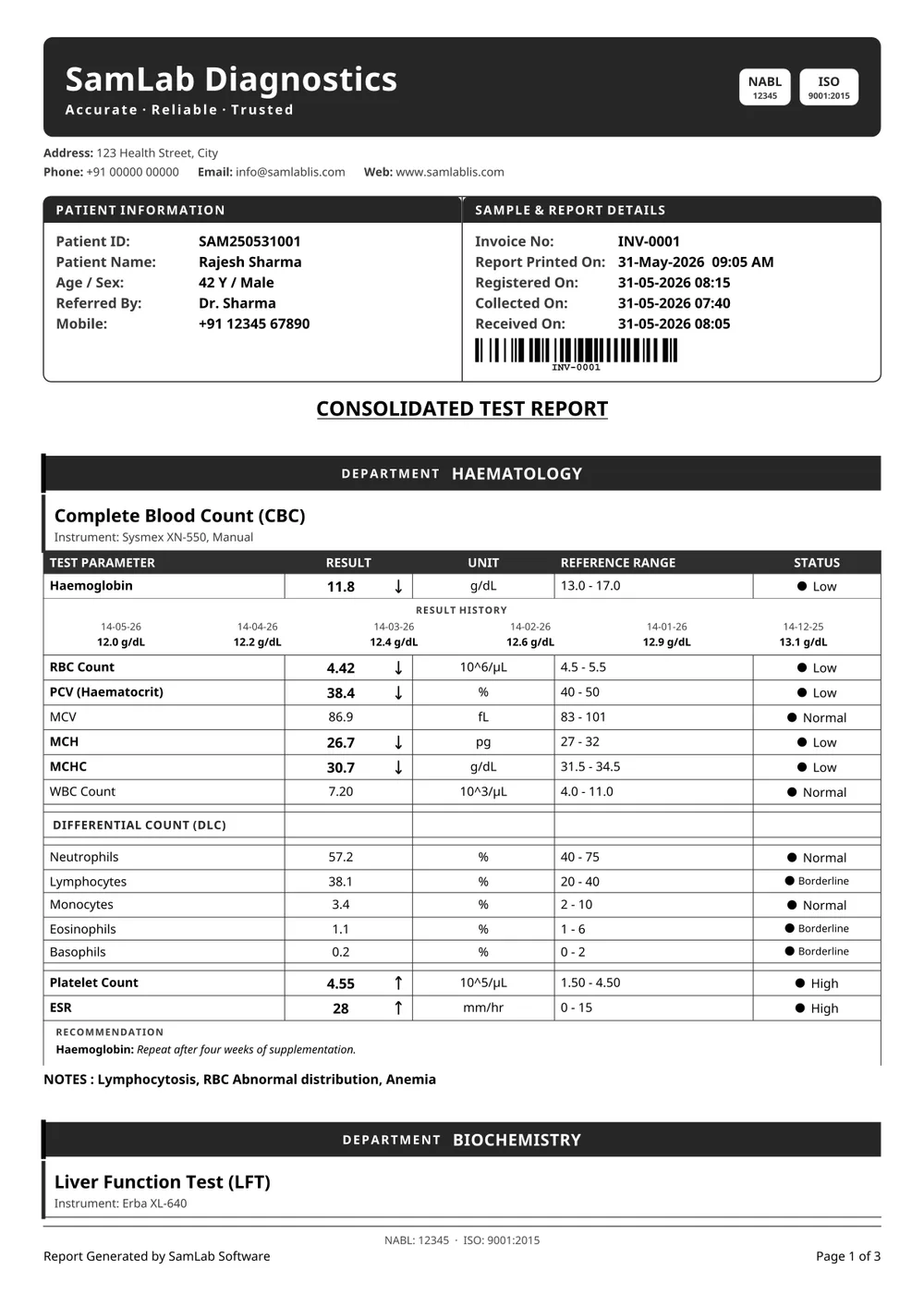
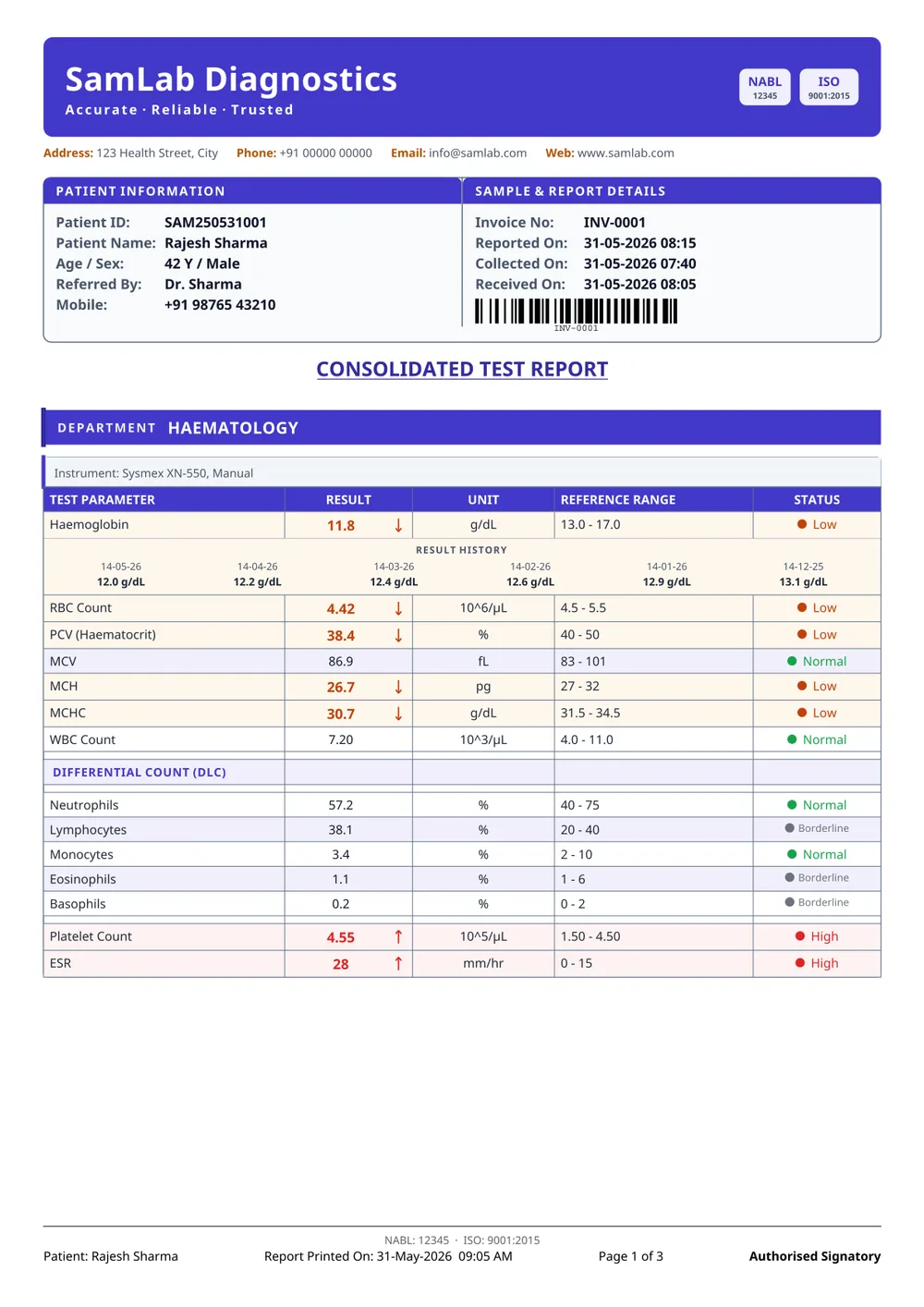
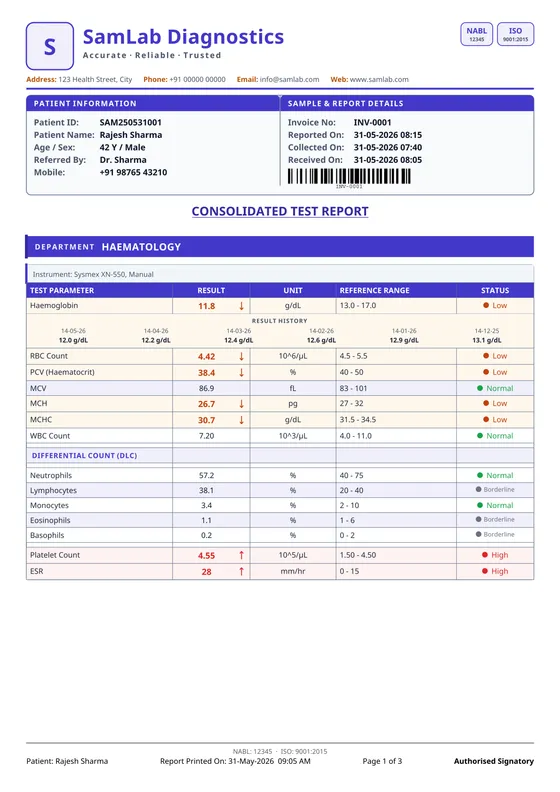
The same boxed table under a full-width colour band, so the lab name reads from across a reception counter.
Labs that want the brand louder than the data.
03
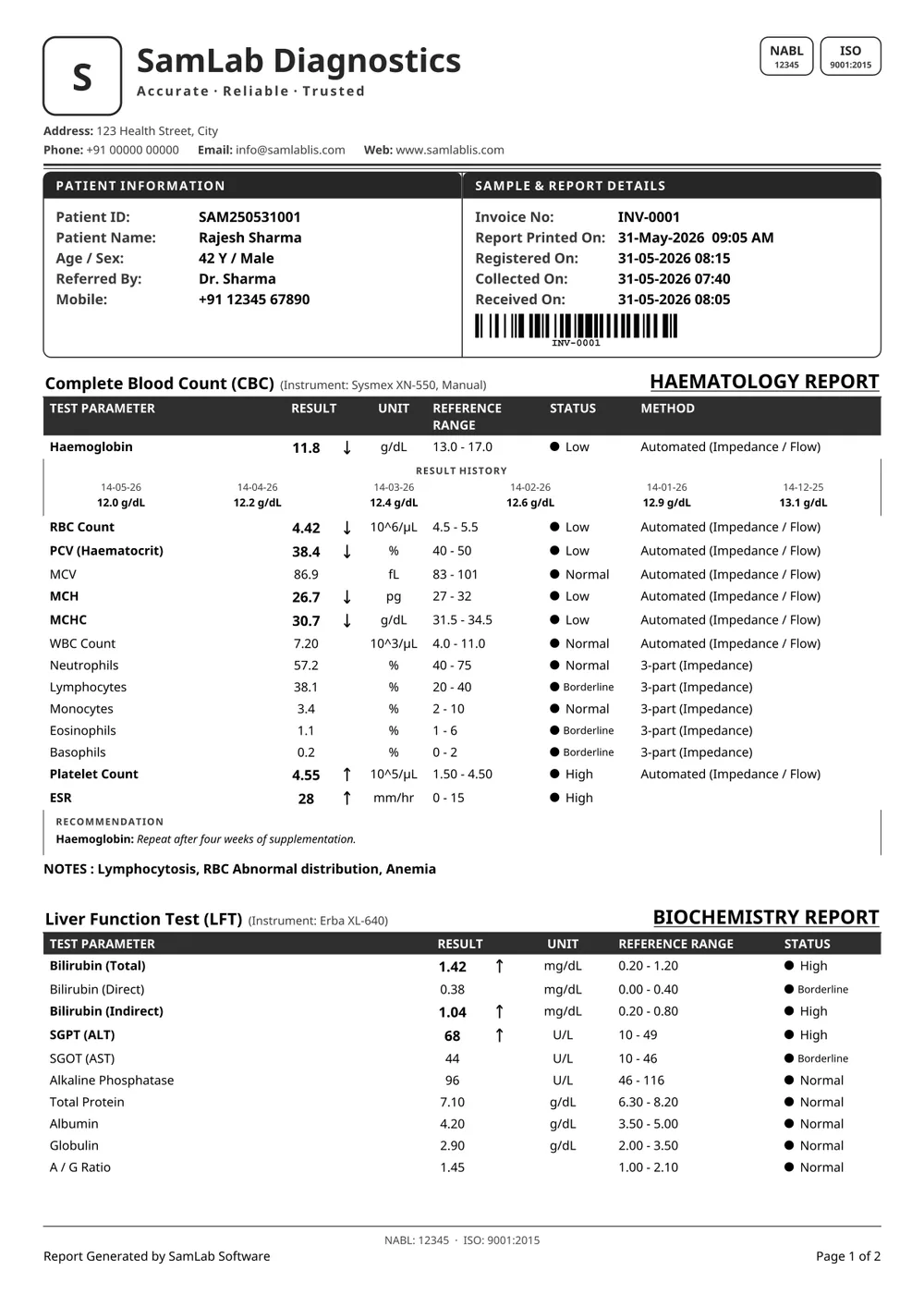
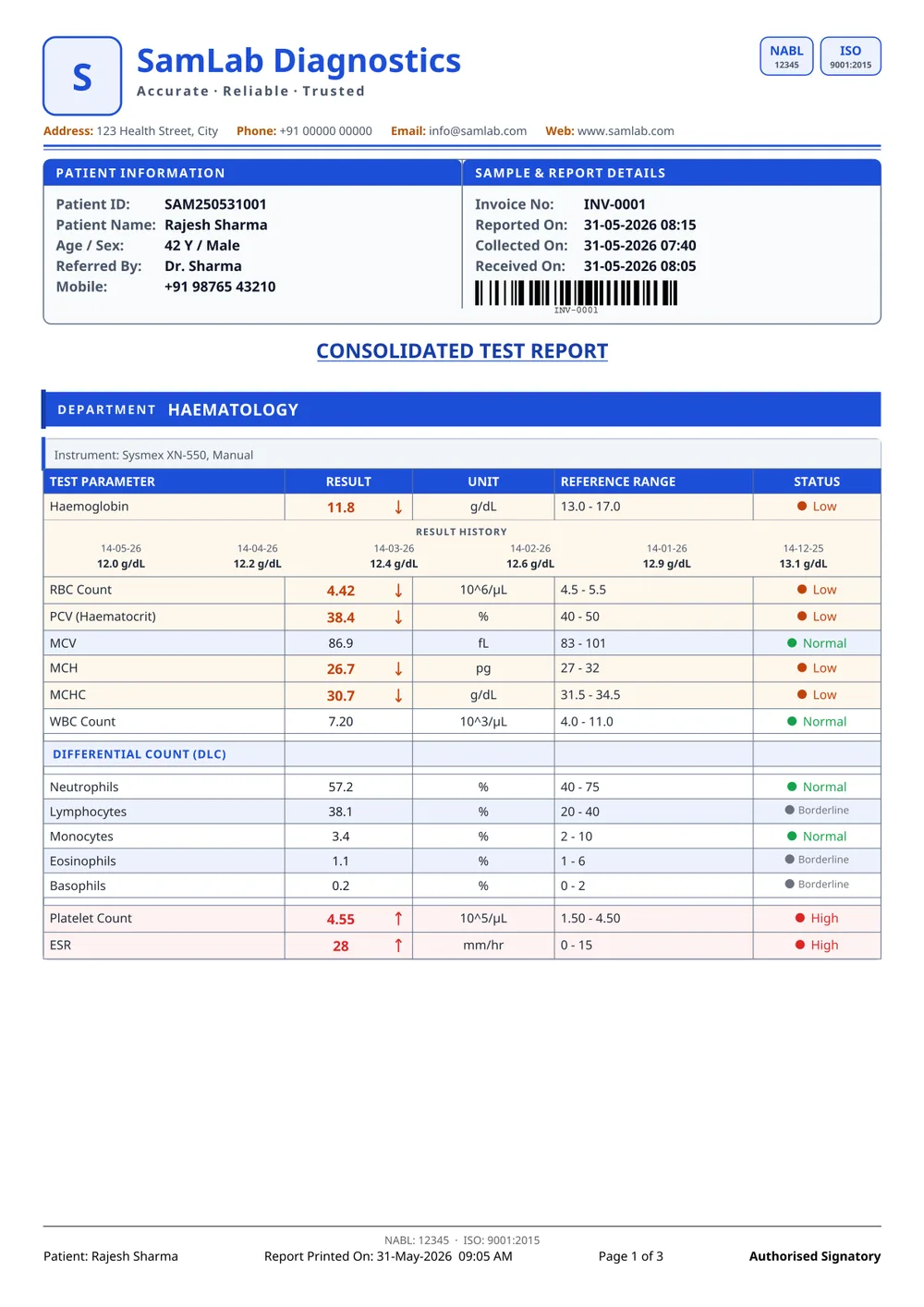
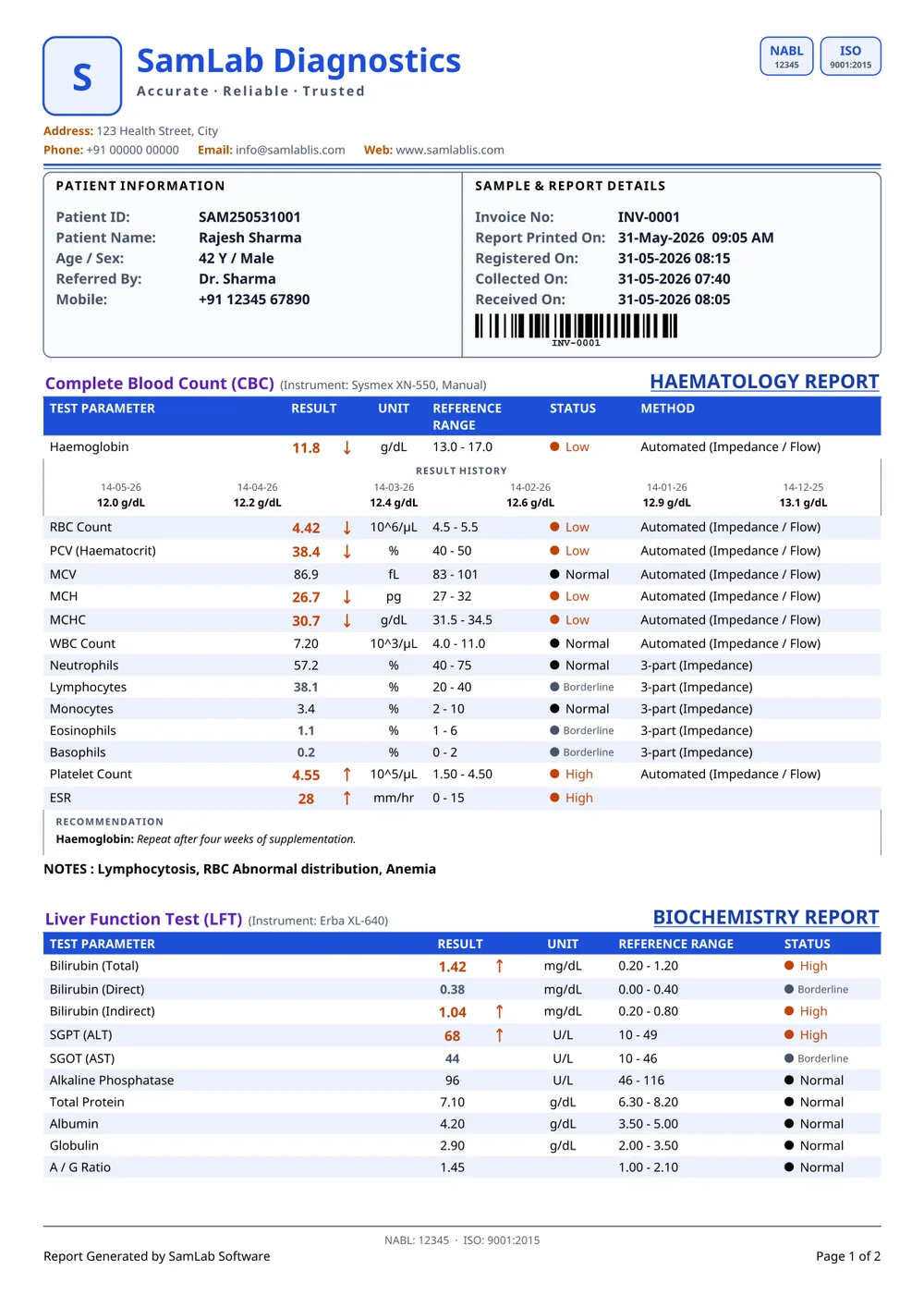
A formal blue sheet that fits on two pages: department titles set on the right, a Method column beside every result, plain rows with no cell lines, and your accreditation marks top-right and in the footer.
Assessment-facing reporting.
04
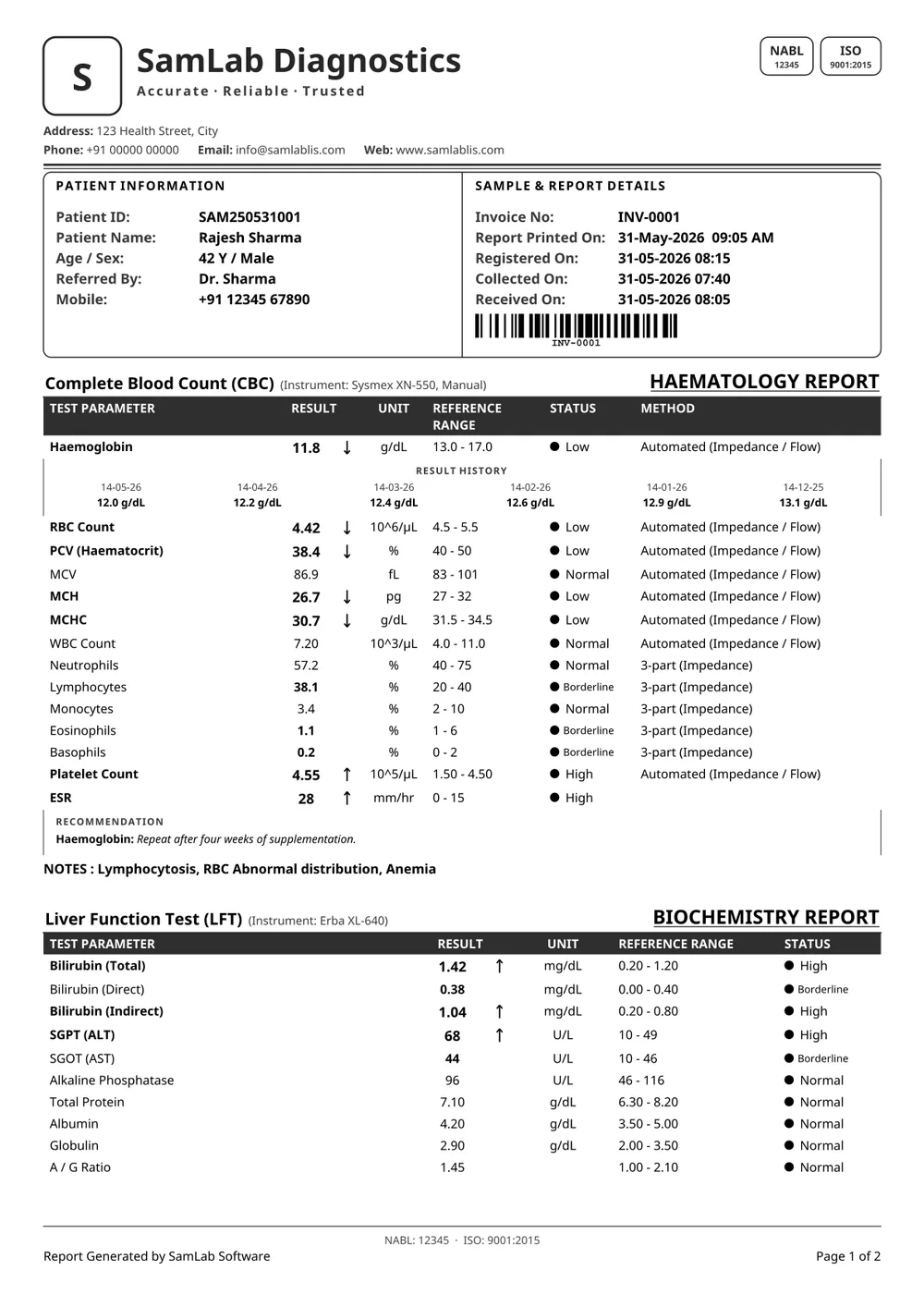
SamLab Formal's two-page layout with plain white section titles, striped rows with no cell lines, black status dots for normal values and the signatures set as plain text.
The formal sheet with less ink on the page.
05
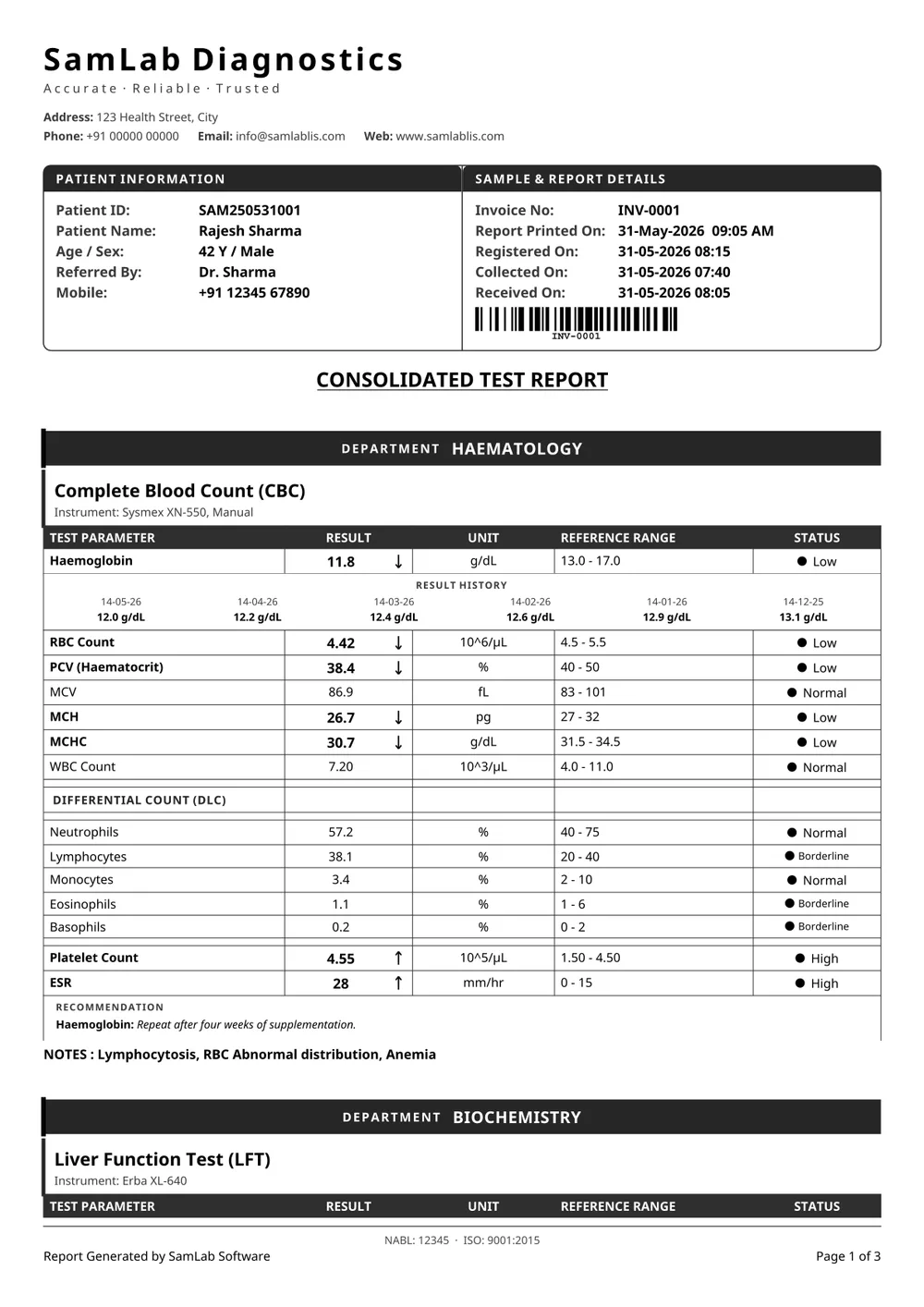
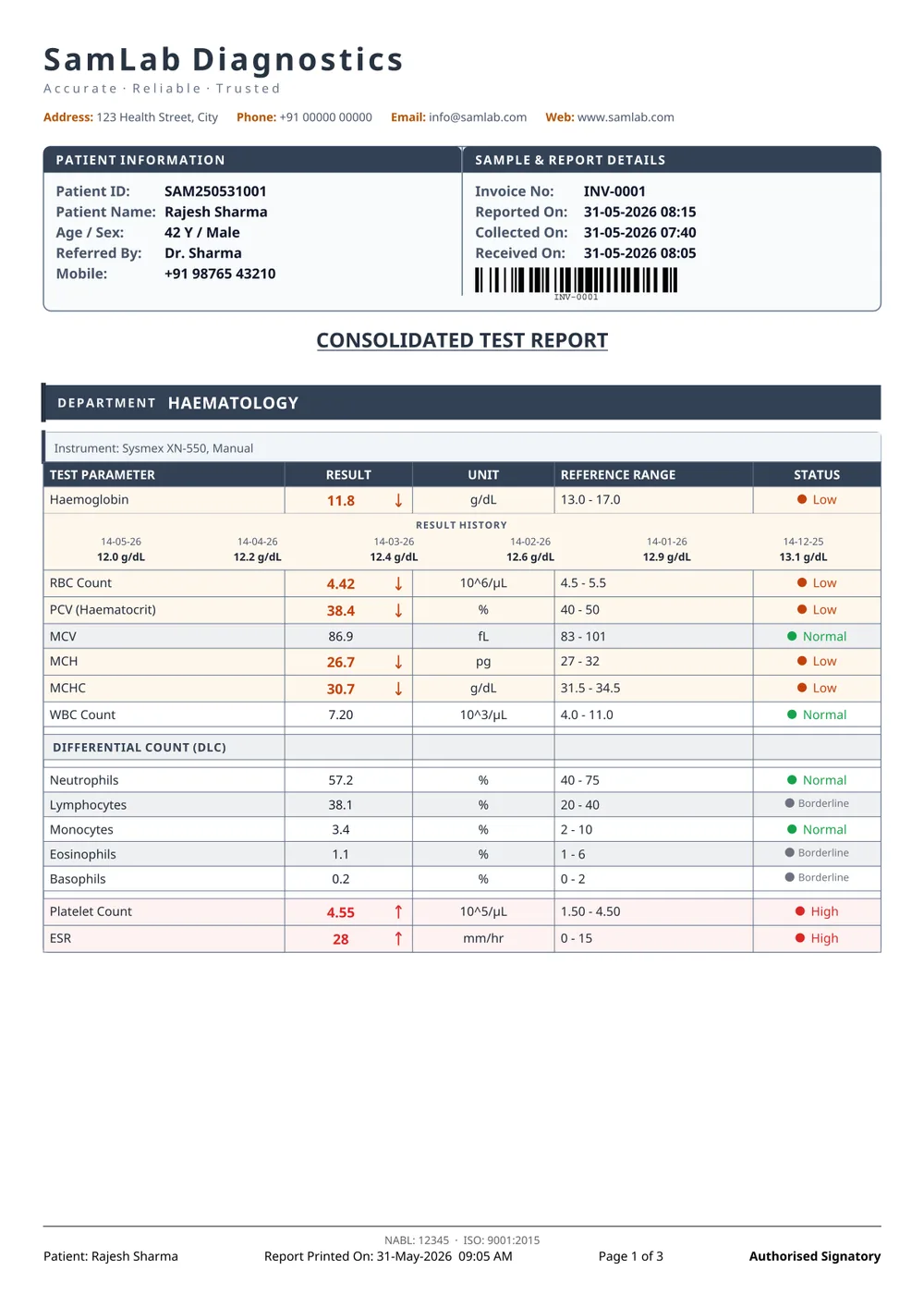
No logo tile and dark slate bands, so the lab name and the results carry the page on their own.
Labs with a strong wordmark and no logo.
06
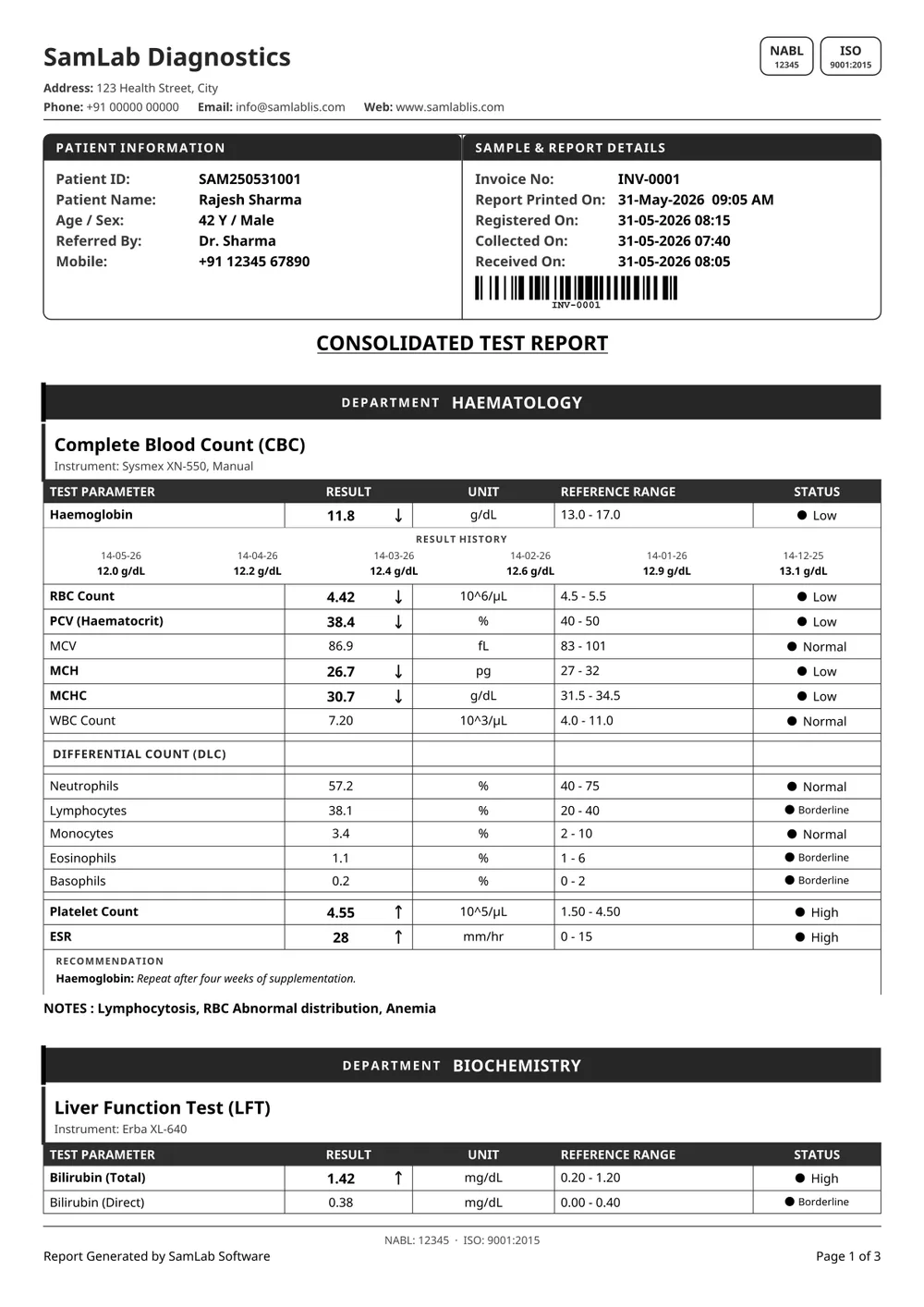
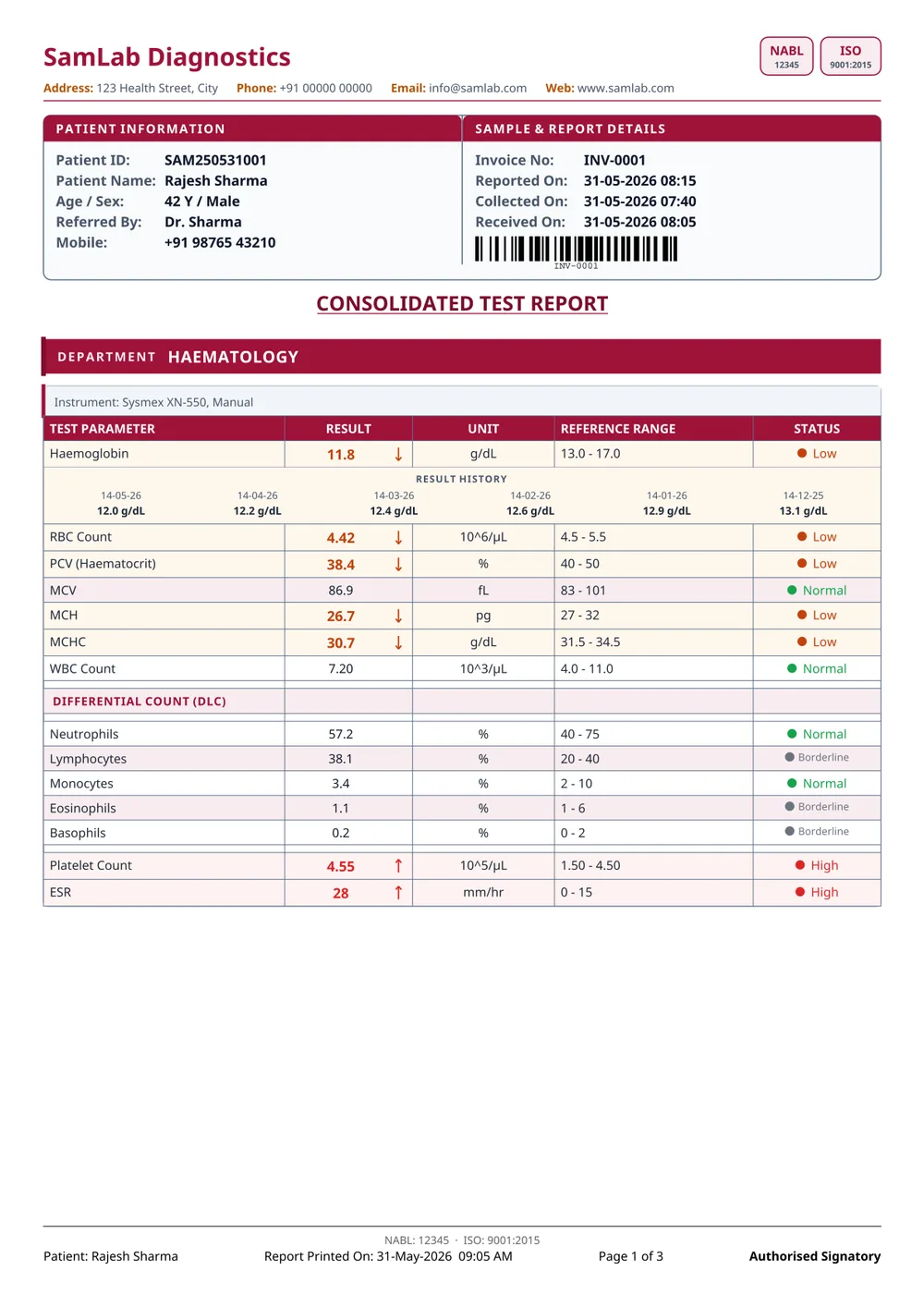
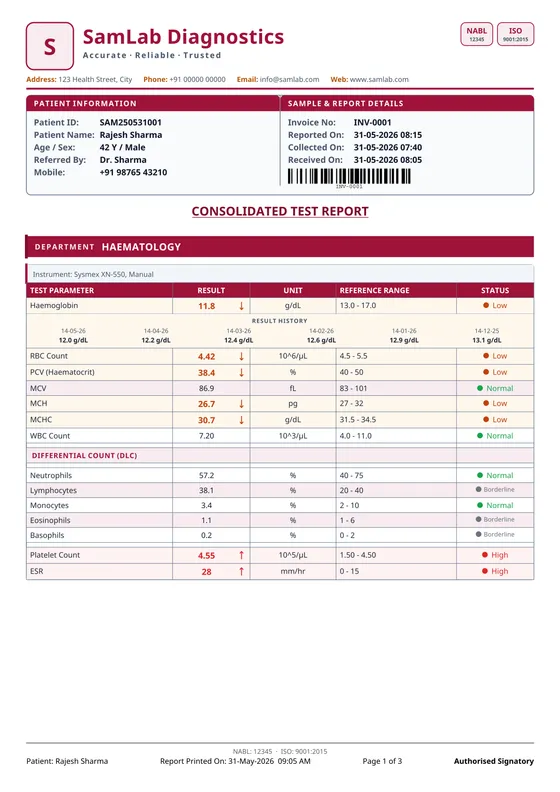
Tighter row spacing throughout, in maroon. The same boxed table, fewer sheets on a long panel.
High-volume labs paying for paper.
07
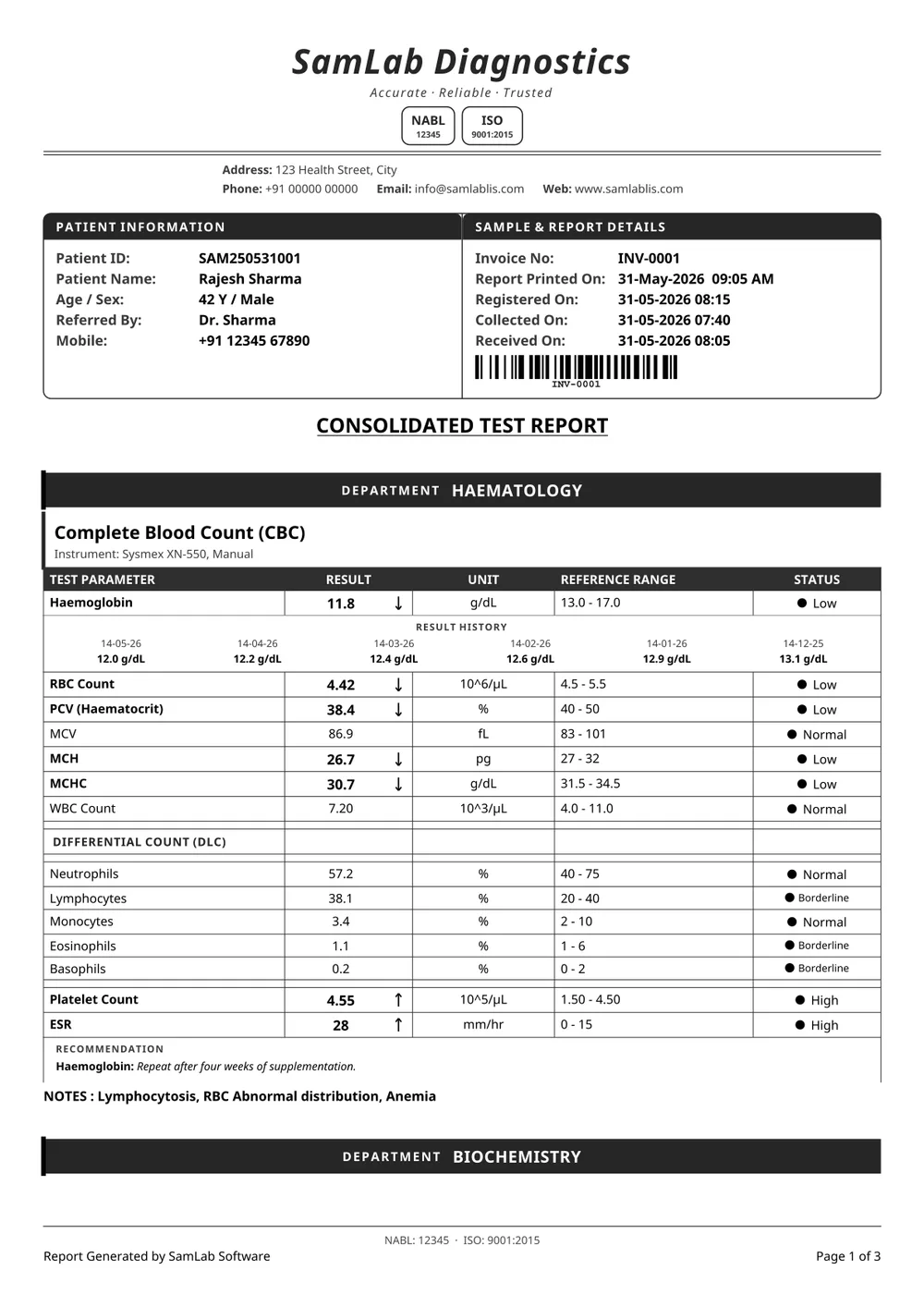
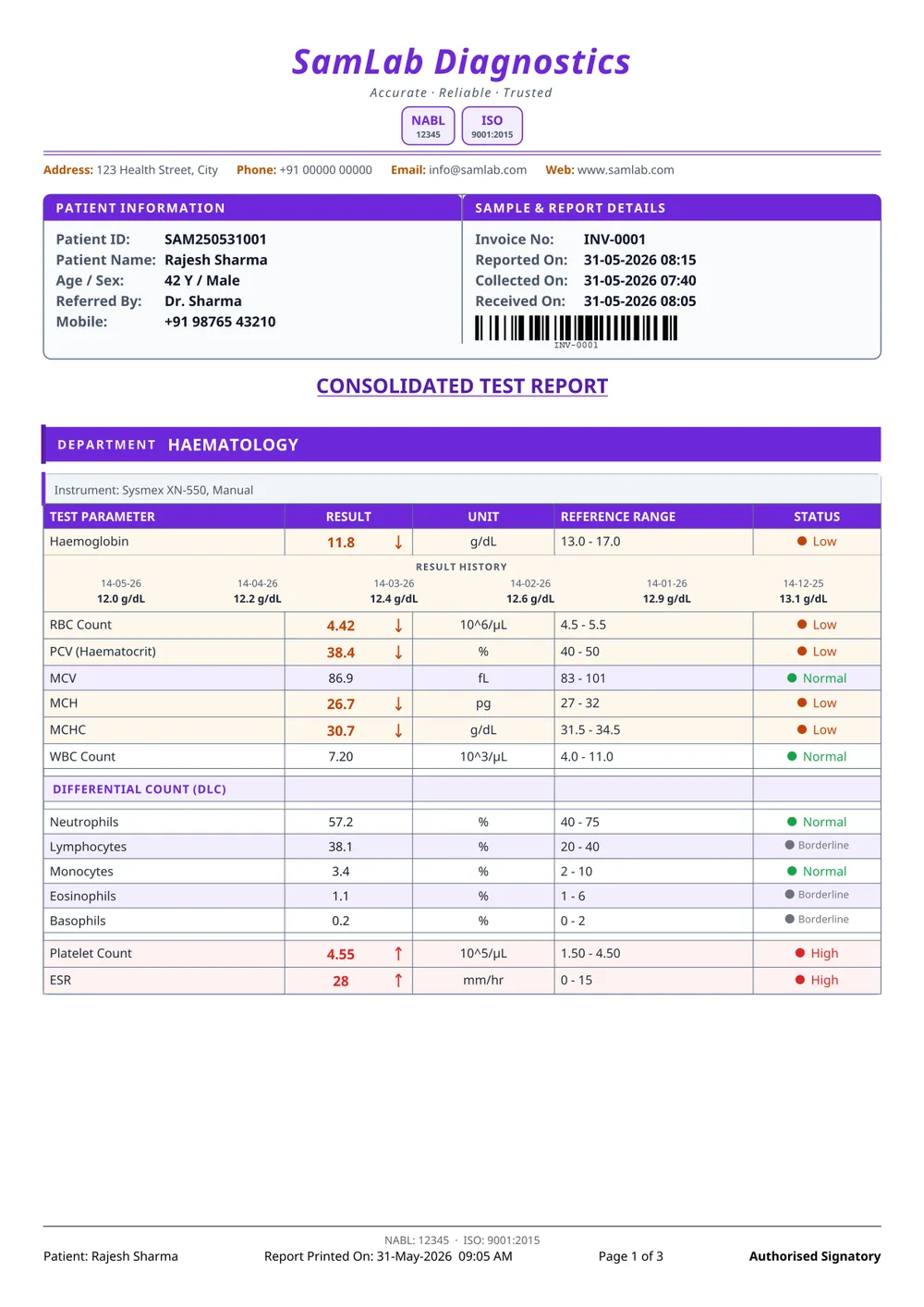
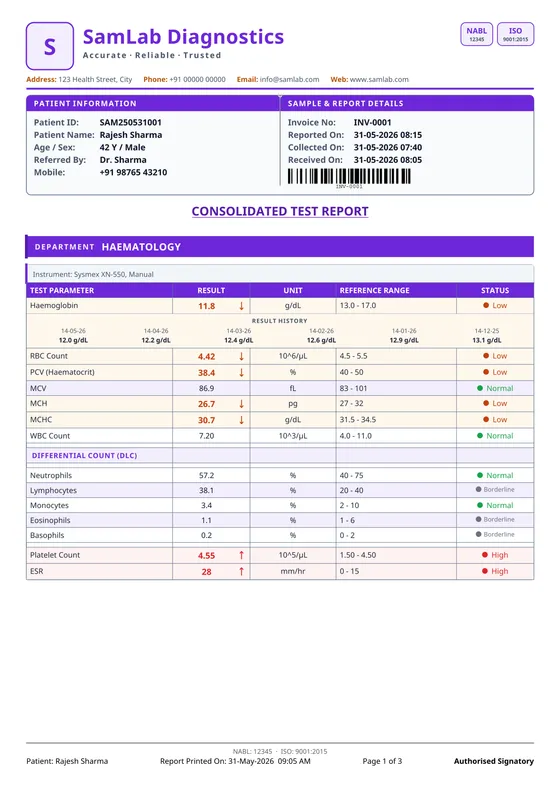
Centred italic lab name with the marks beneath it, in a restrained purple. The most formal of the boxed set.
Premium and boutique labs.
08
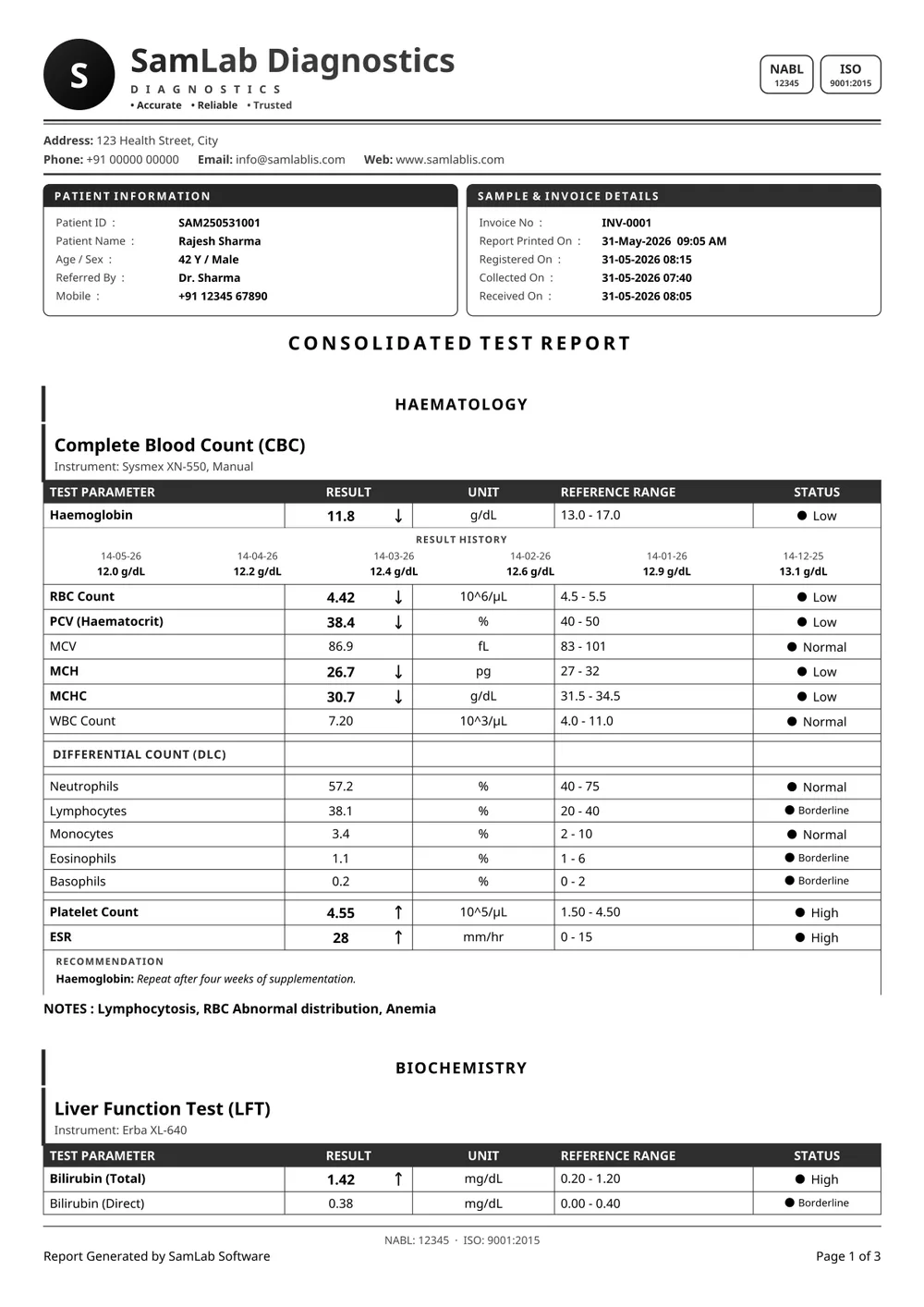
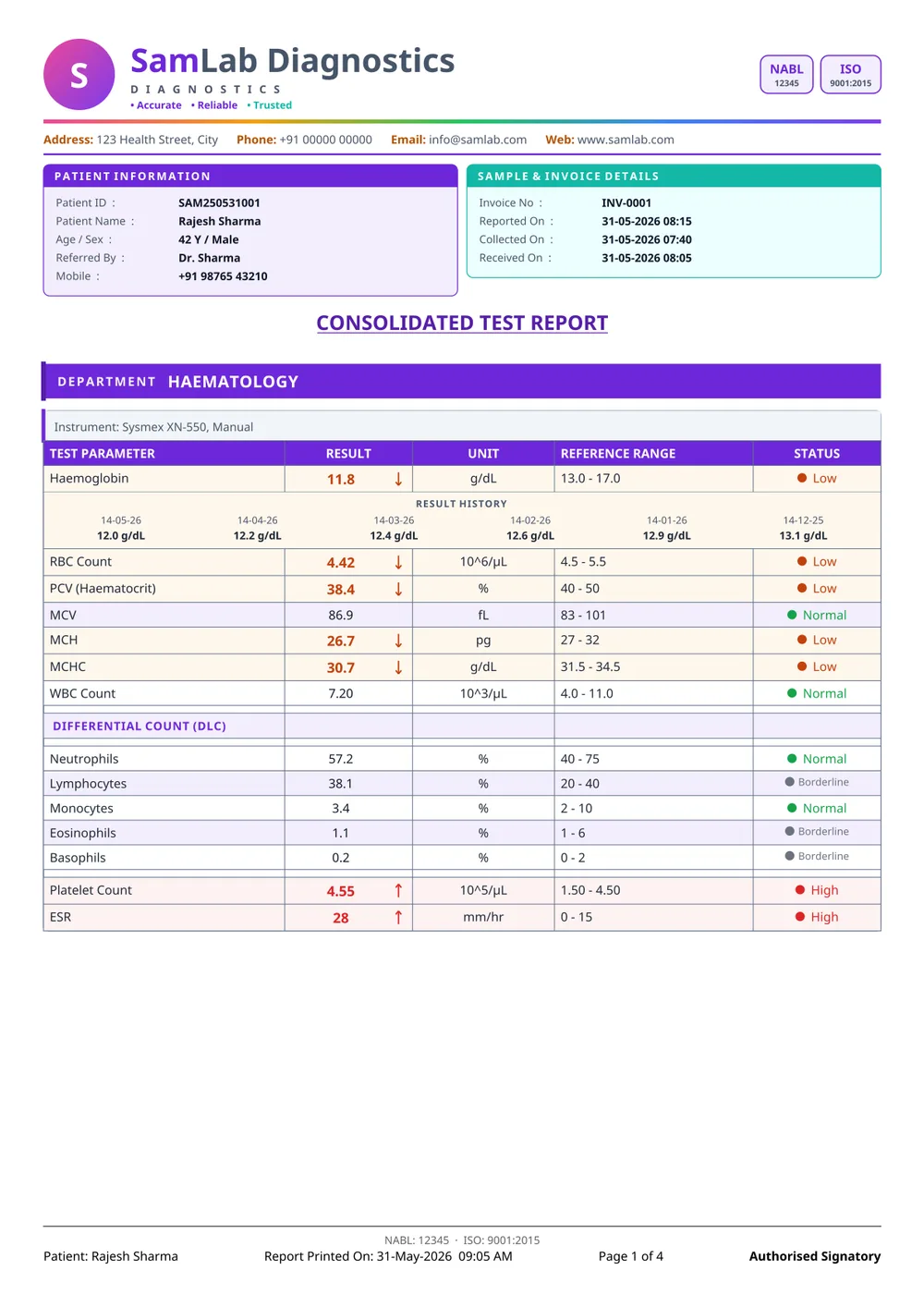
A gradient logo mark and rounded panels, with Result Summary, Trend Analysis and Health Tips panels after the results.
Consumer-facing wellness and package reporting.
09
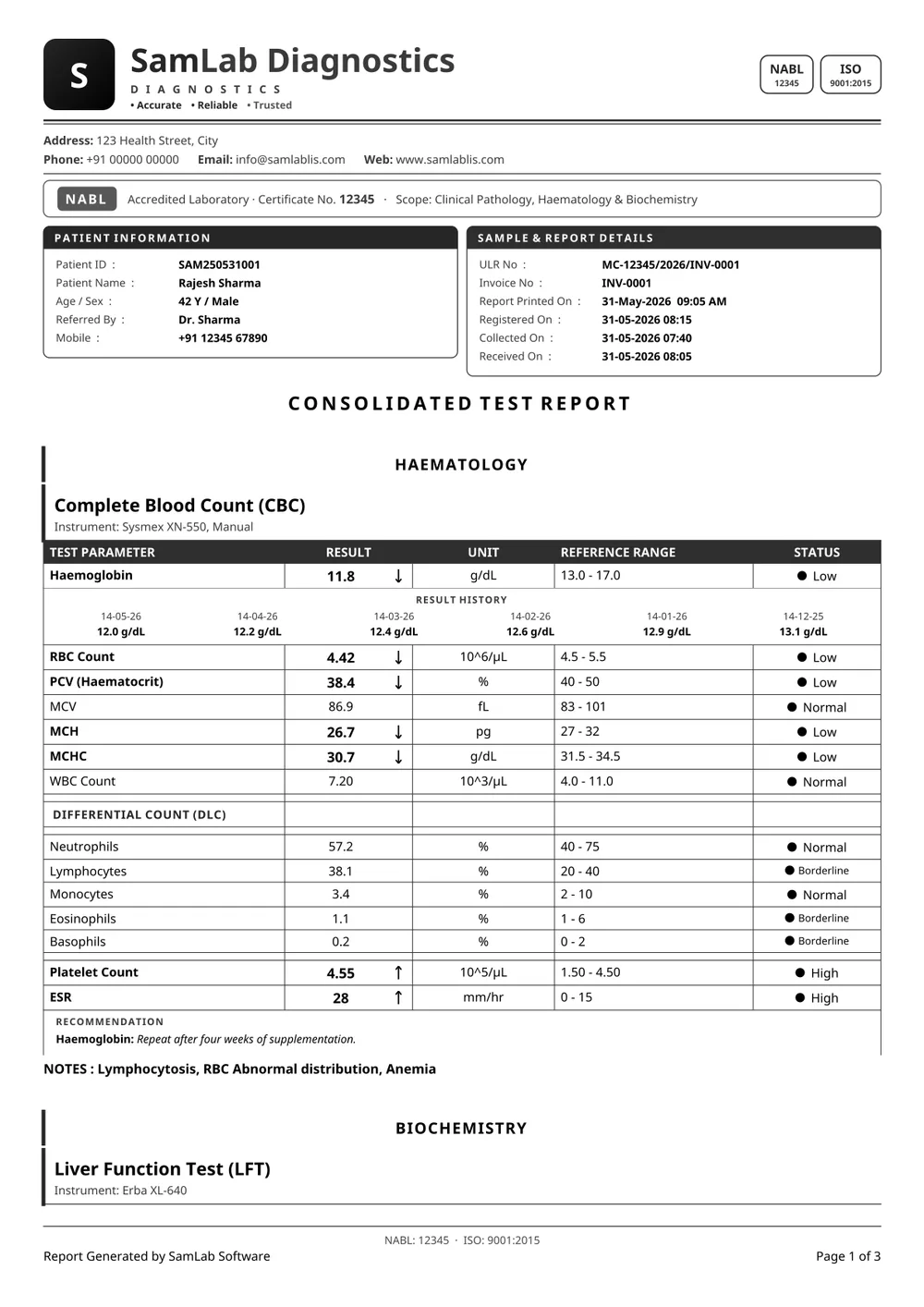
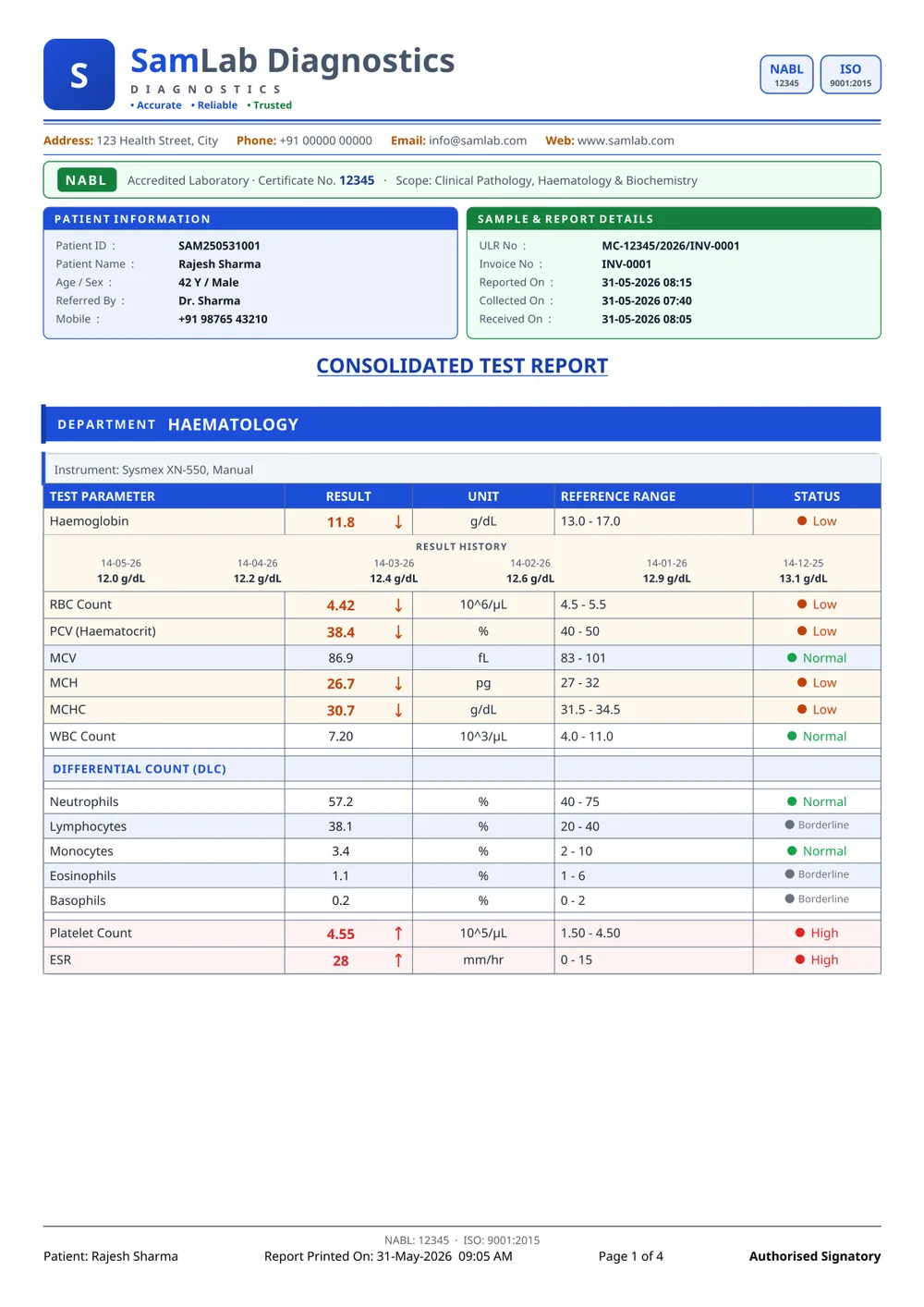
Adds an accreditation strip under the header — certificate number and scope — and a ULR row in the sample panel, with a trend graph and health tips after the results.
Accredited labs that still want a modern sheet.
10
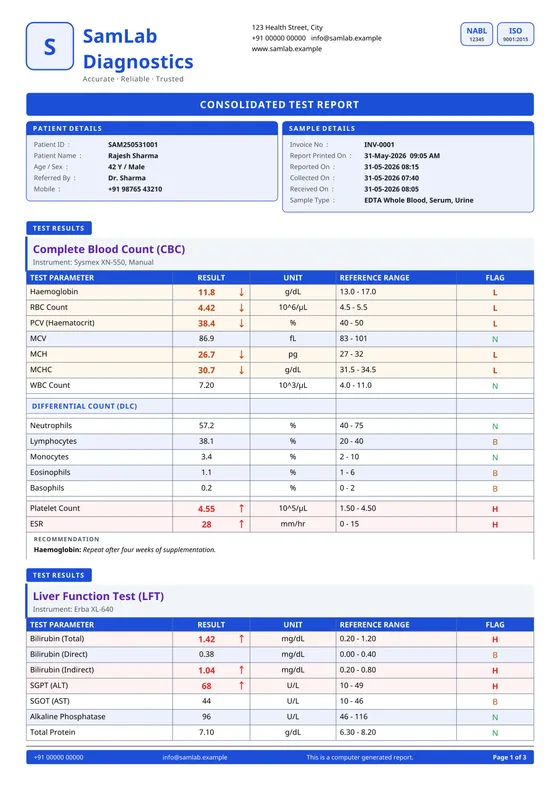
A blue title band over patient and sample cards, results with a one-letter flag, then a trend graph with a dated history table, a differential pie, health tips, and a Summary / Interpretation / Recommendations footer with signatures.
The one to show a referring doctor.
11
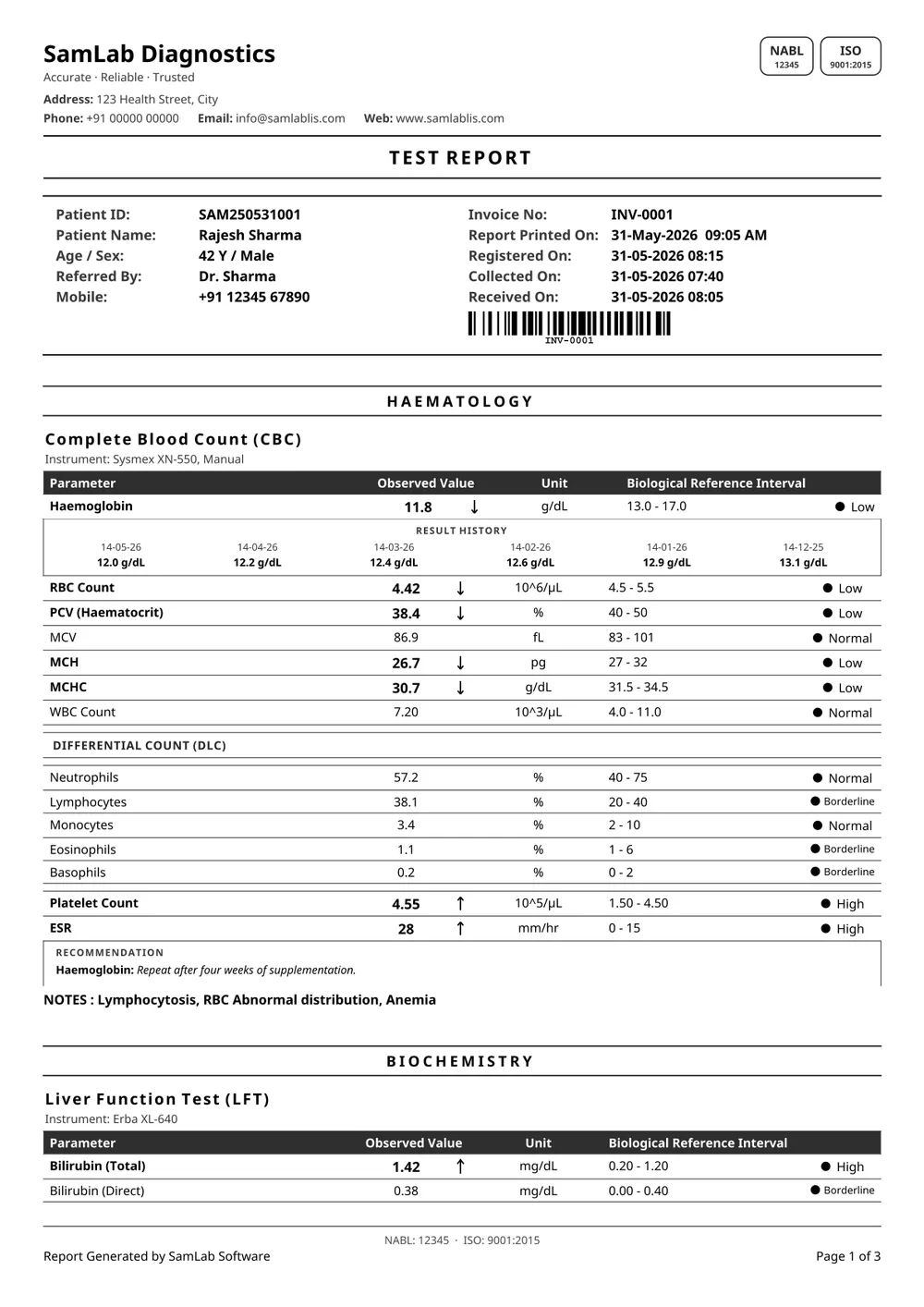
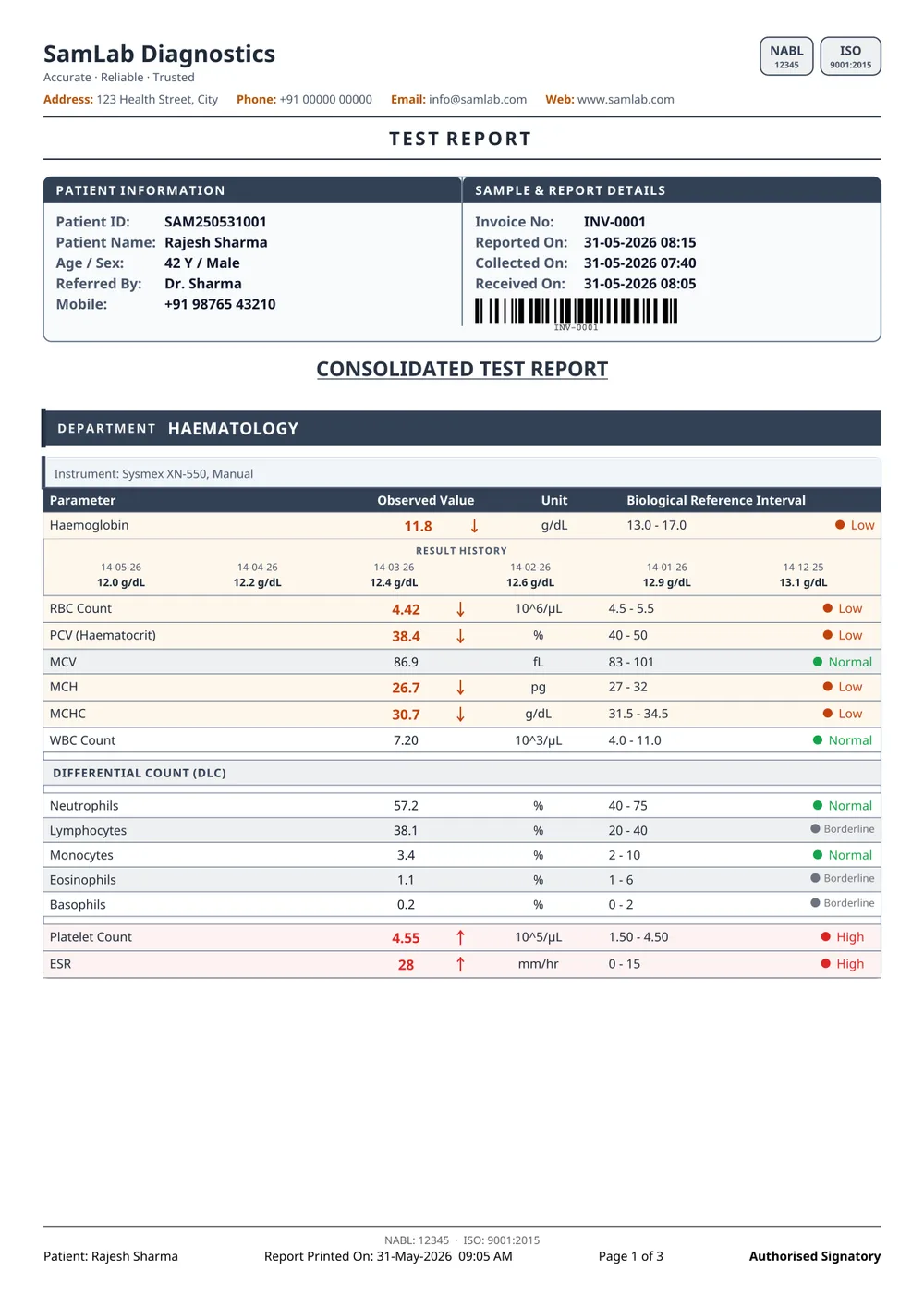
A centred TEST REPORT title, no logo tile, full column captions — Parameter, Observed Value, Unit, Biological Reference Interval — and rows divided by single rules with no column lines.
Hospitals and labs that want plain paper.
12
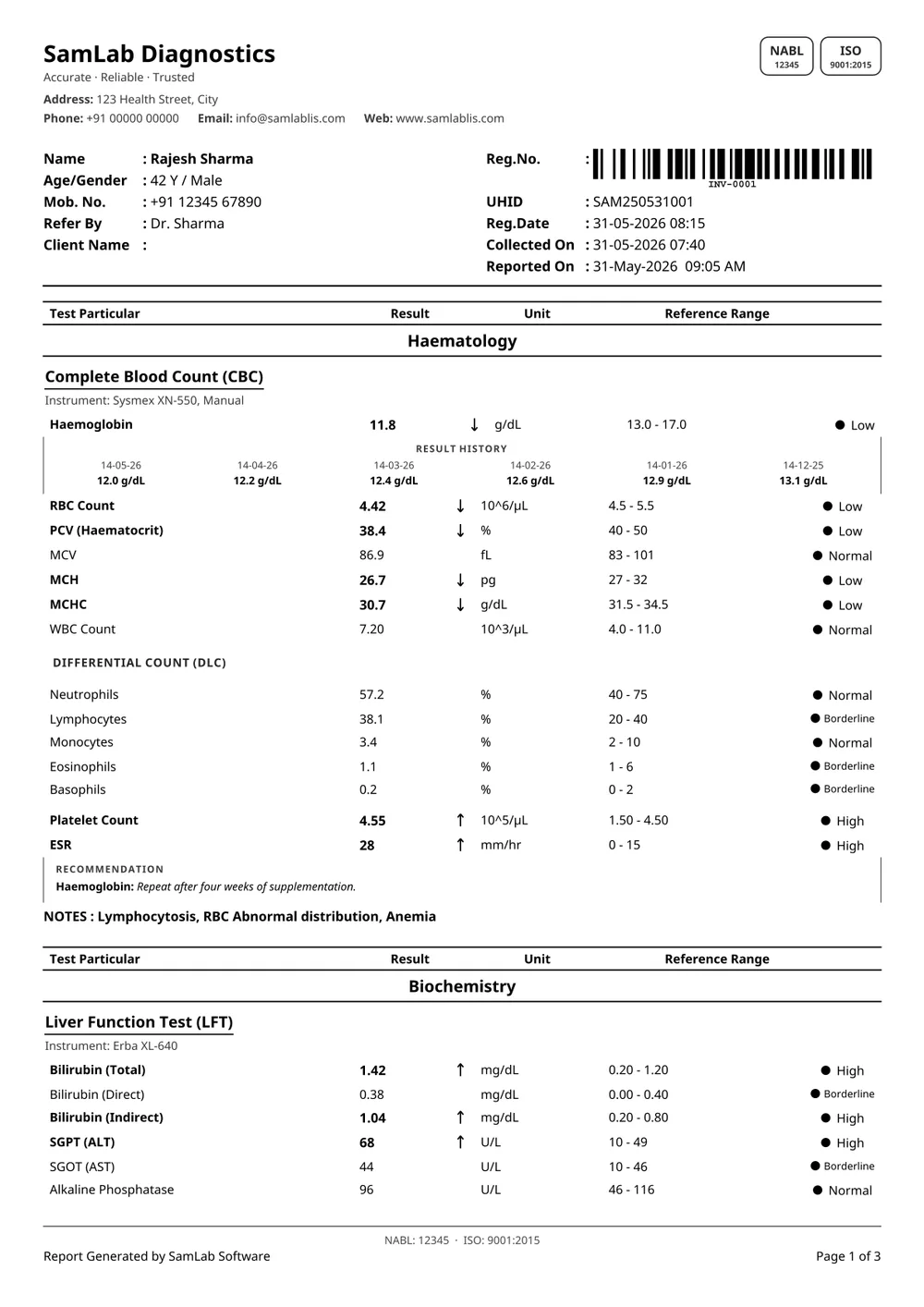
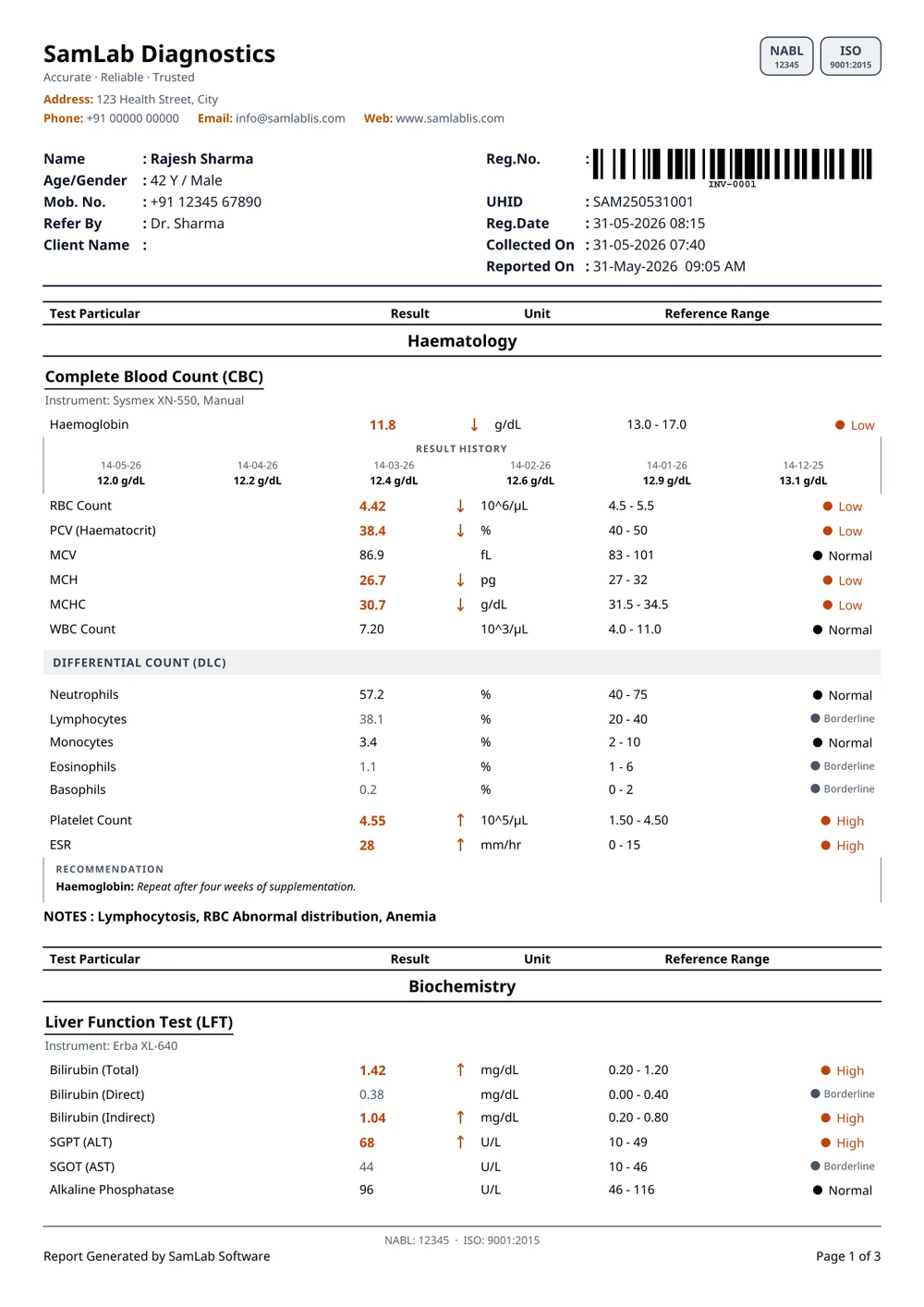
Basic's sheet with a ledger patient block — a barcoded Reg. No., UHID and fixed labels — and results in plain rows with no lines at all.
Labs that file and retrieve by registration number.
13
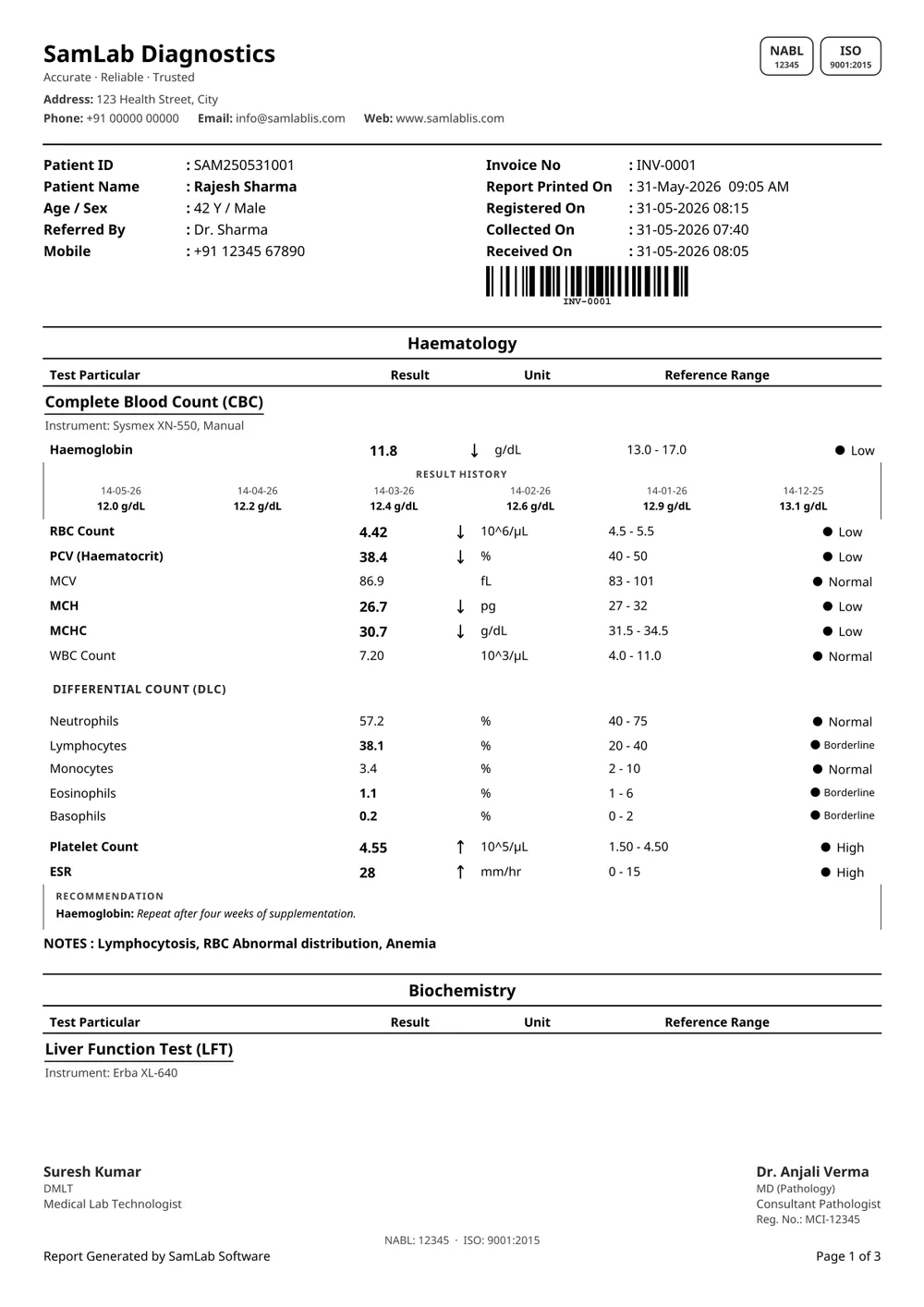
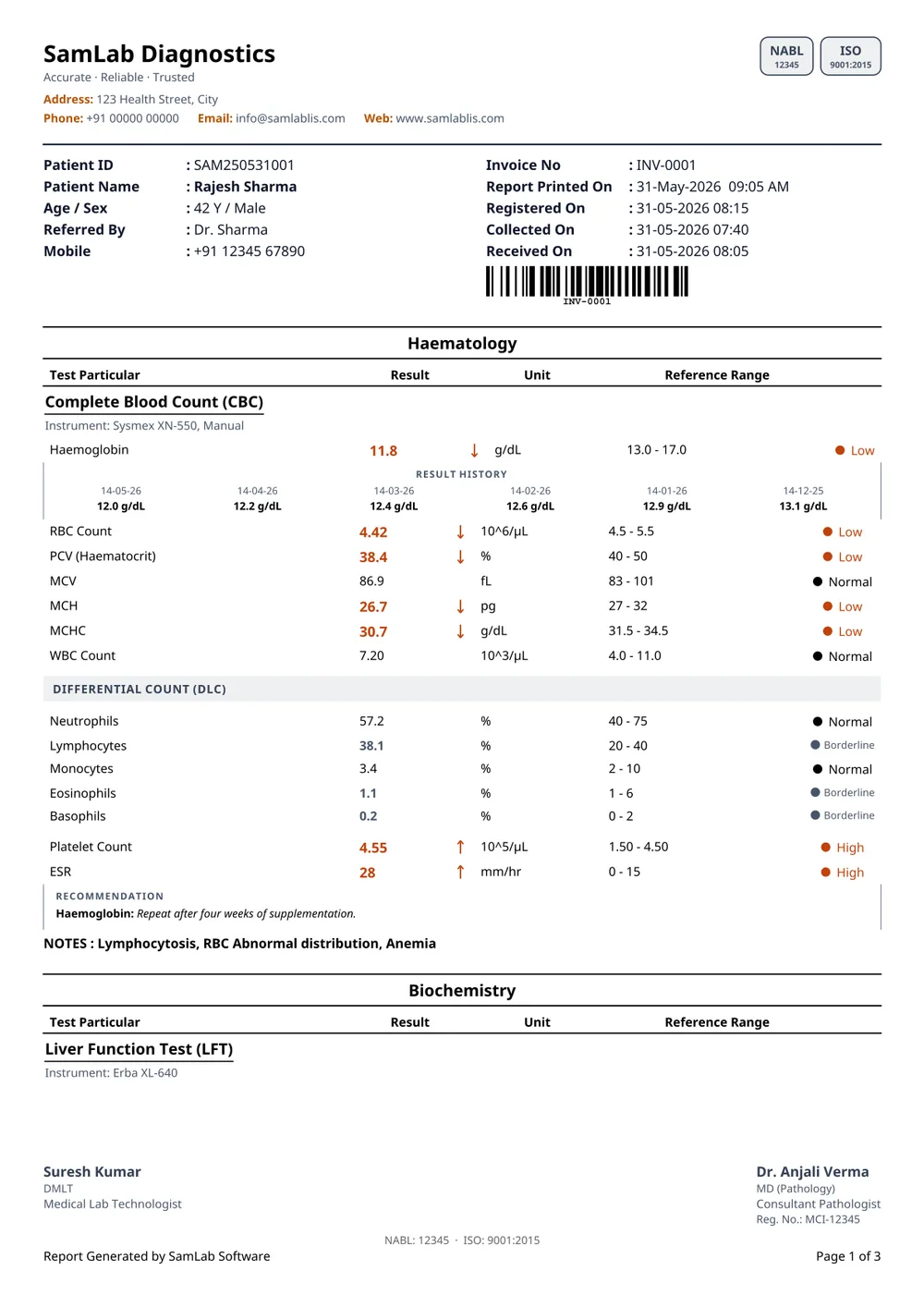
Basic 2's ledger sheet with the department name above the column headings, plain rows with no lines, and both signatures printed at the foot of every page.
Long reports where every sheet must carry a signature.
14
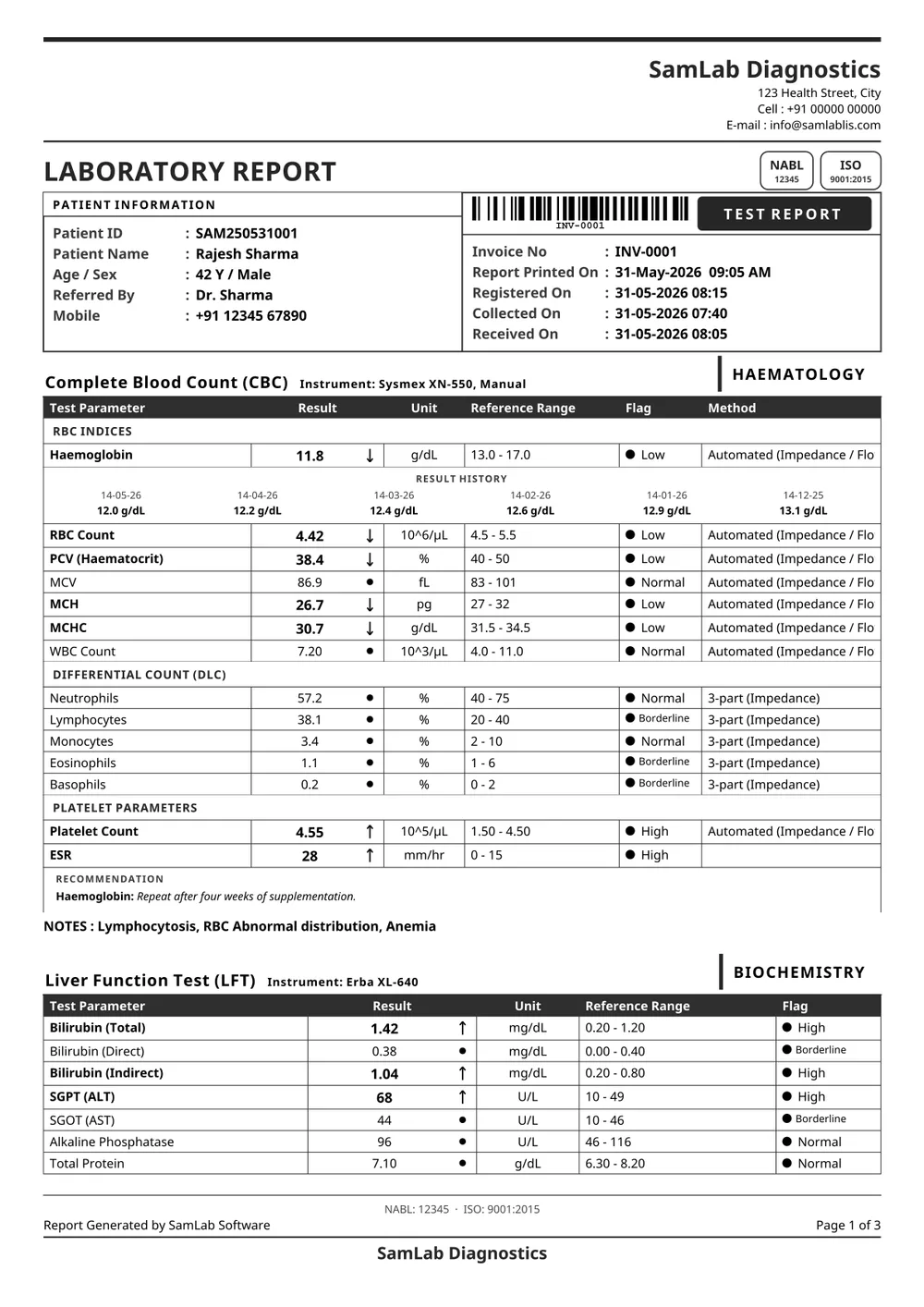
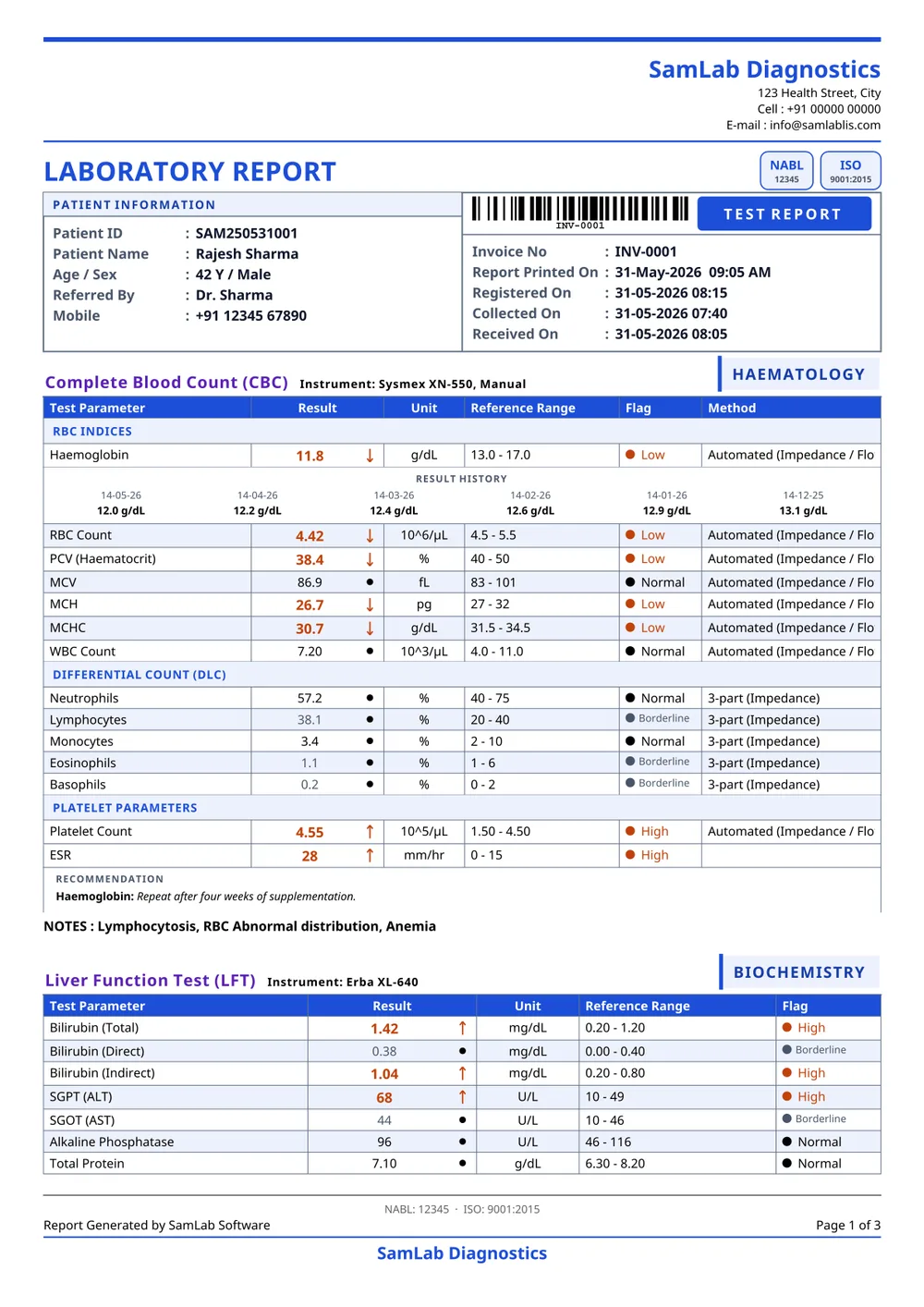
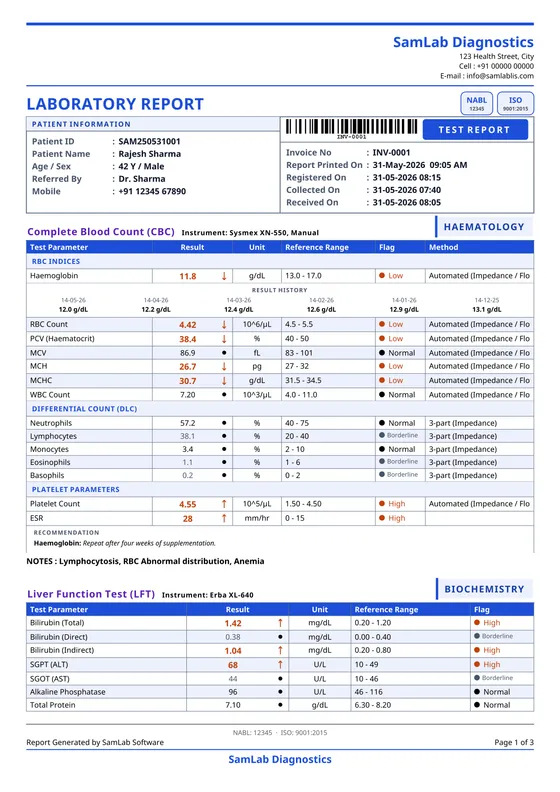
A right-set letterhead over a boxed two-column identity ledger, with the barcode and a TEST REPORT badge heading the sample side. Each panel wears its department as a tab, a blood count is banded by bench (RBC indices, differential, platelets), a marker sits beside every value and a Method column closes the row. A result interpretation guide follows the tables.
Clinical sheets with the method beside every result.
15
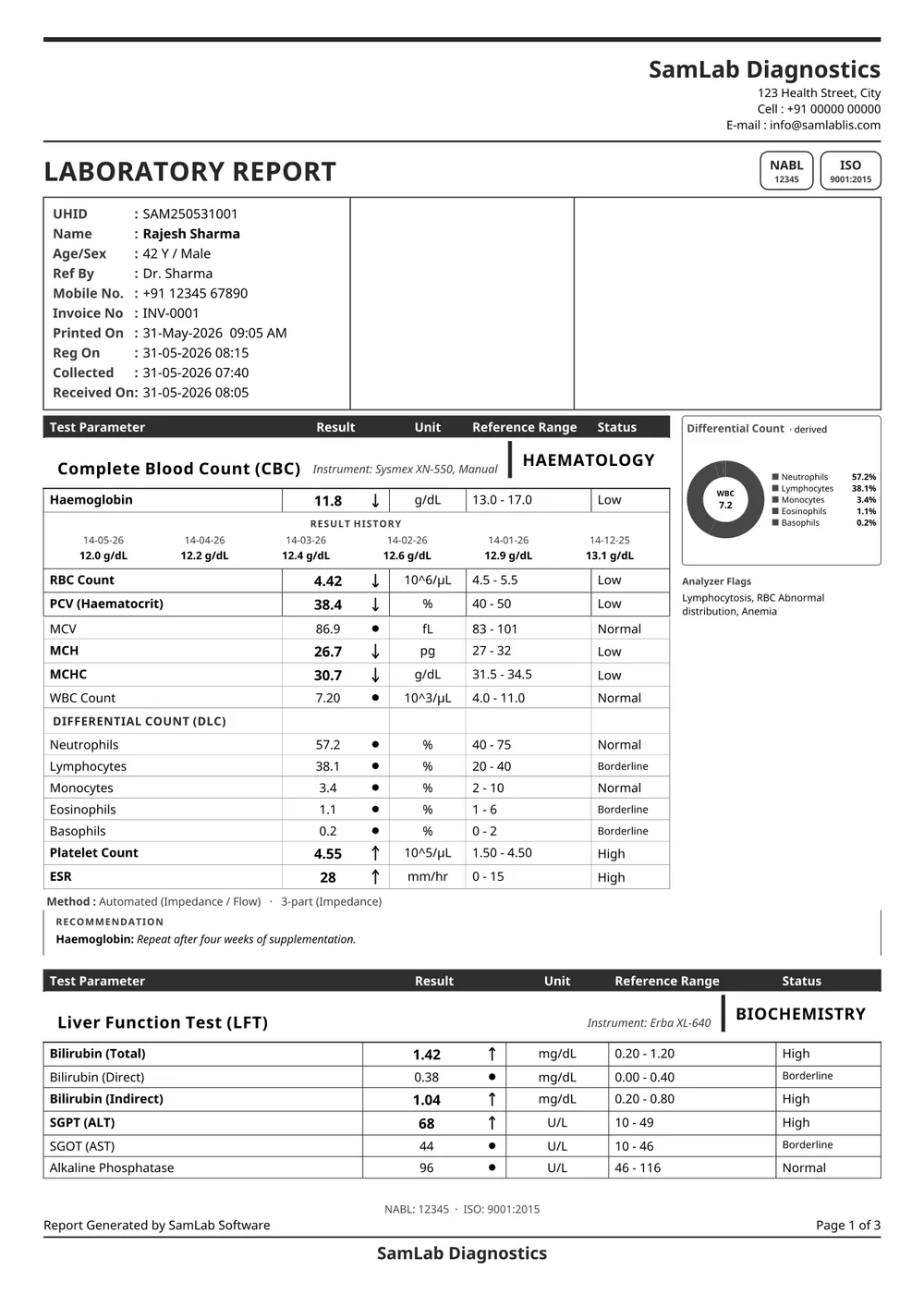
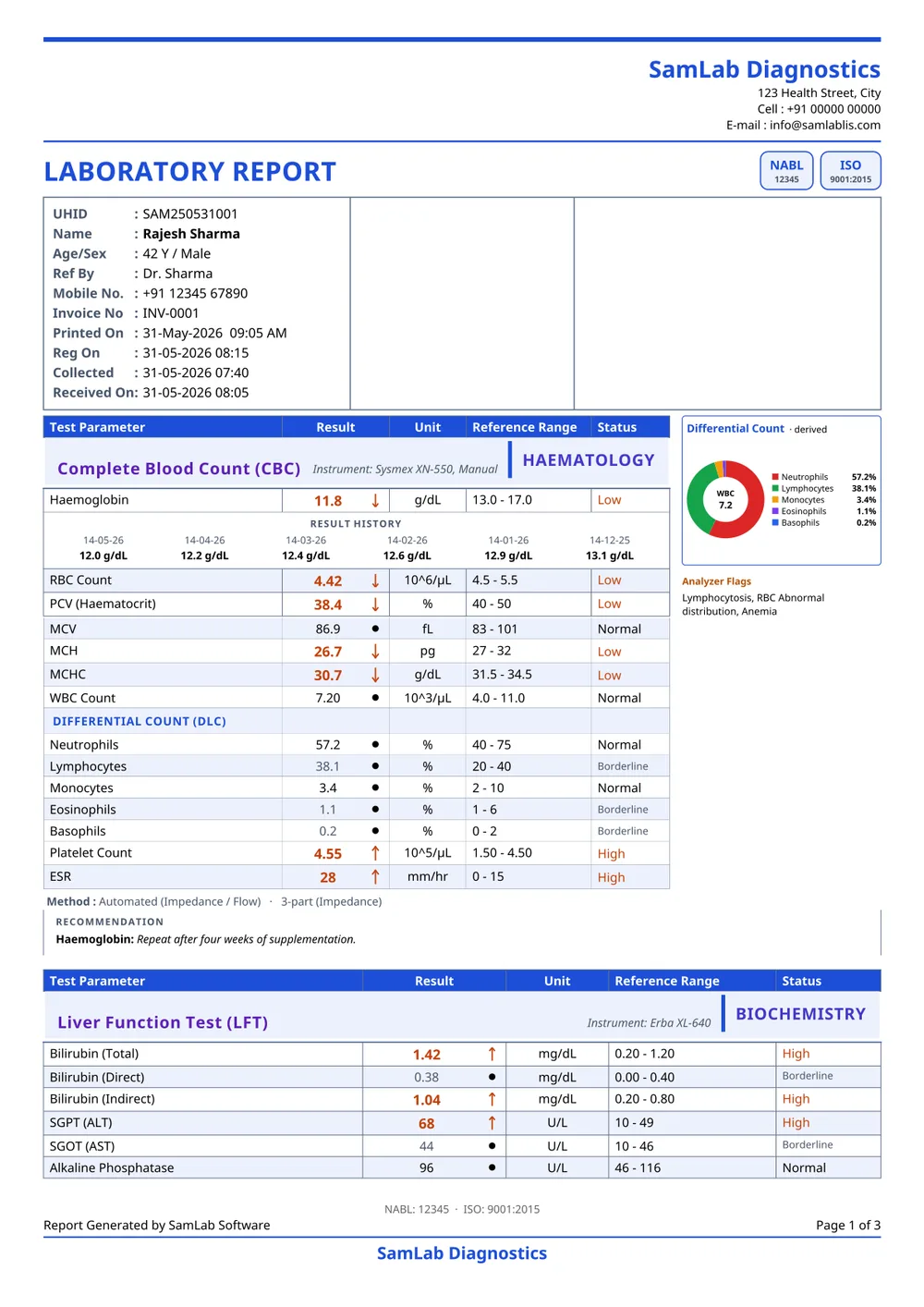
A right-set letterhead over a one-column patient ledger, a boxed results table with a worded status, and a differential pie chart with the analyzer's flags beside the blood count.
Labs that want the analyzer's picture on page one.
16
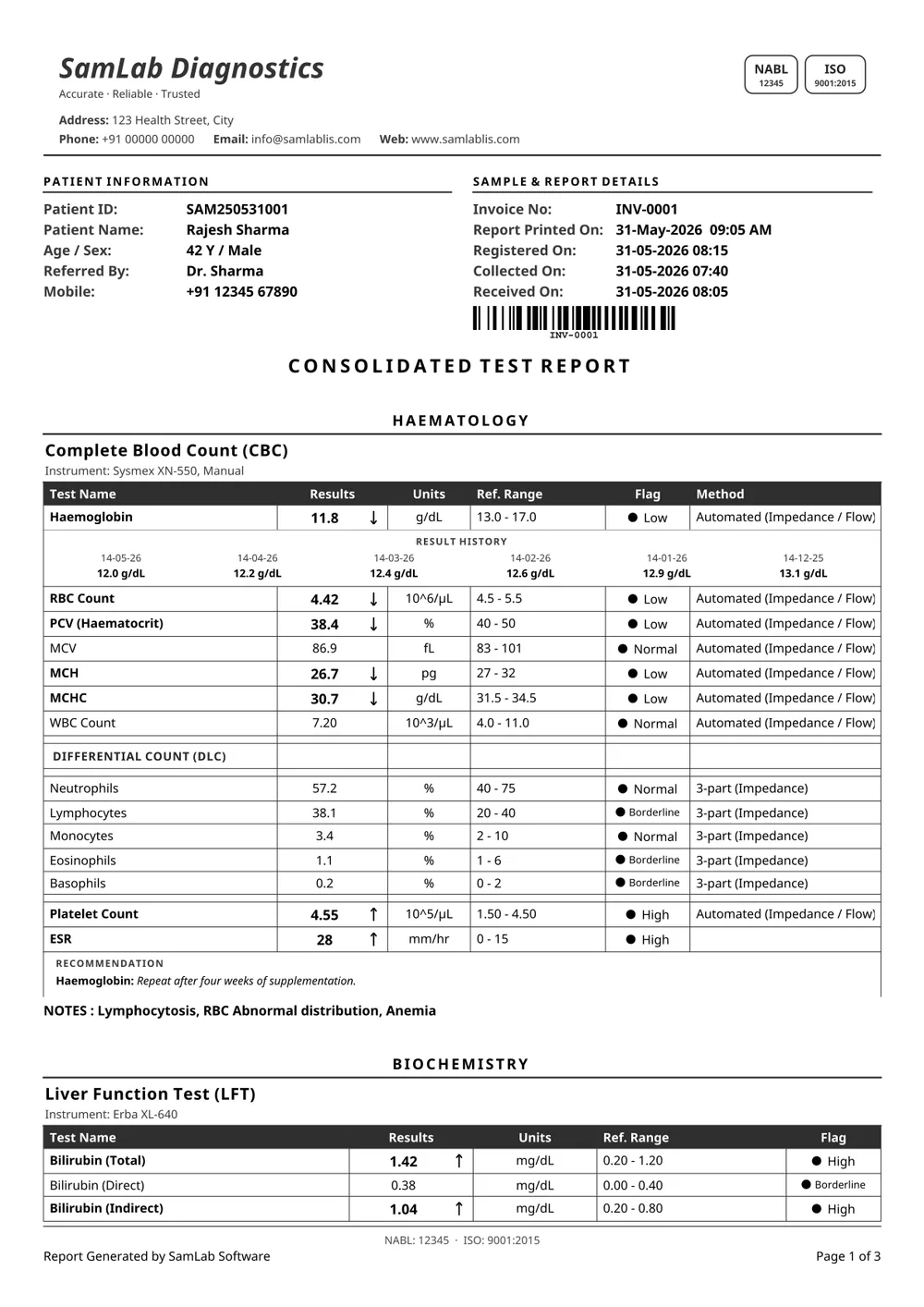
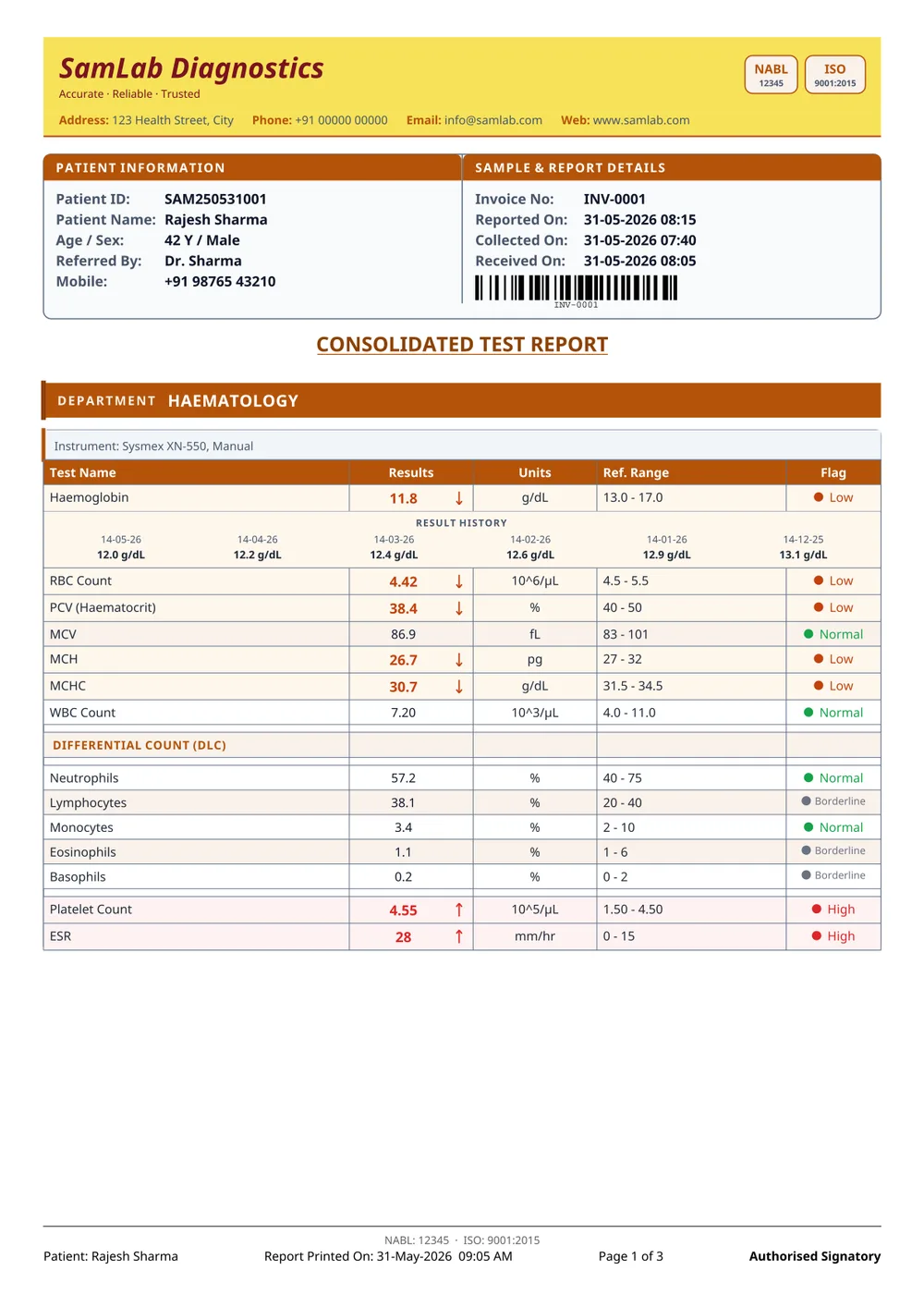
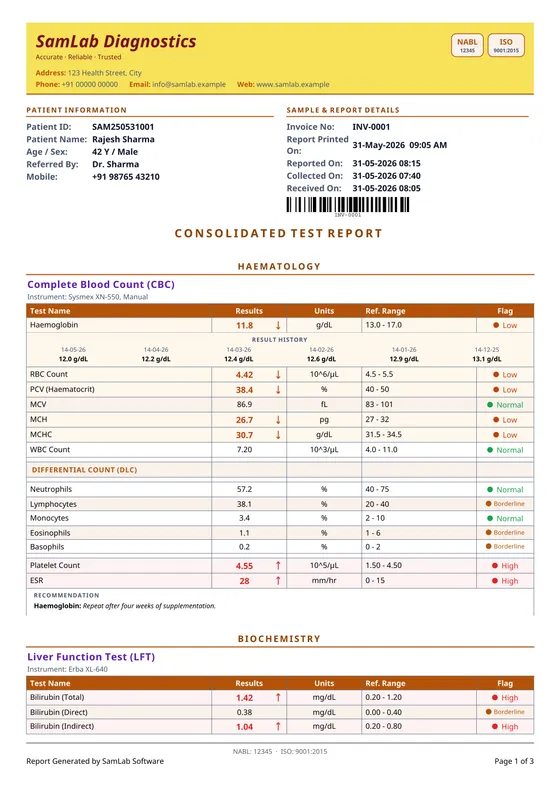
A yellow identity band over an amber-headed boxed table with short captions — Test Name, Results, Units, Ref. Range, Flag — and a Method column.
Labs replacing a printed register.
17
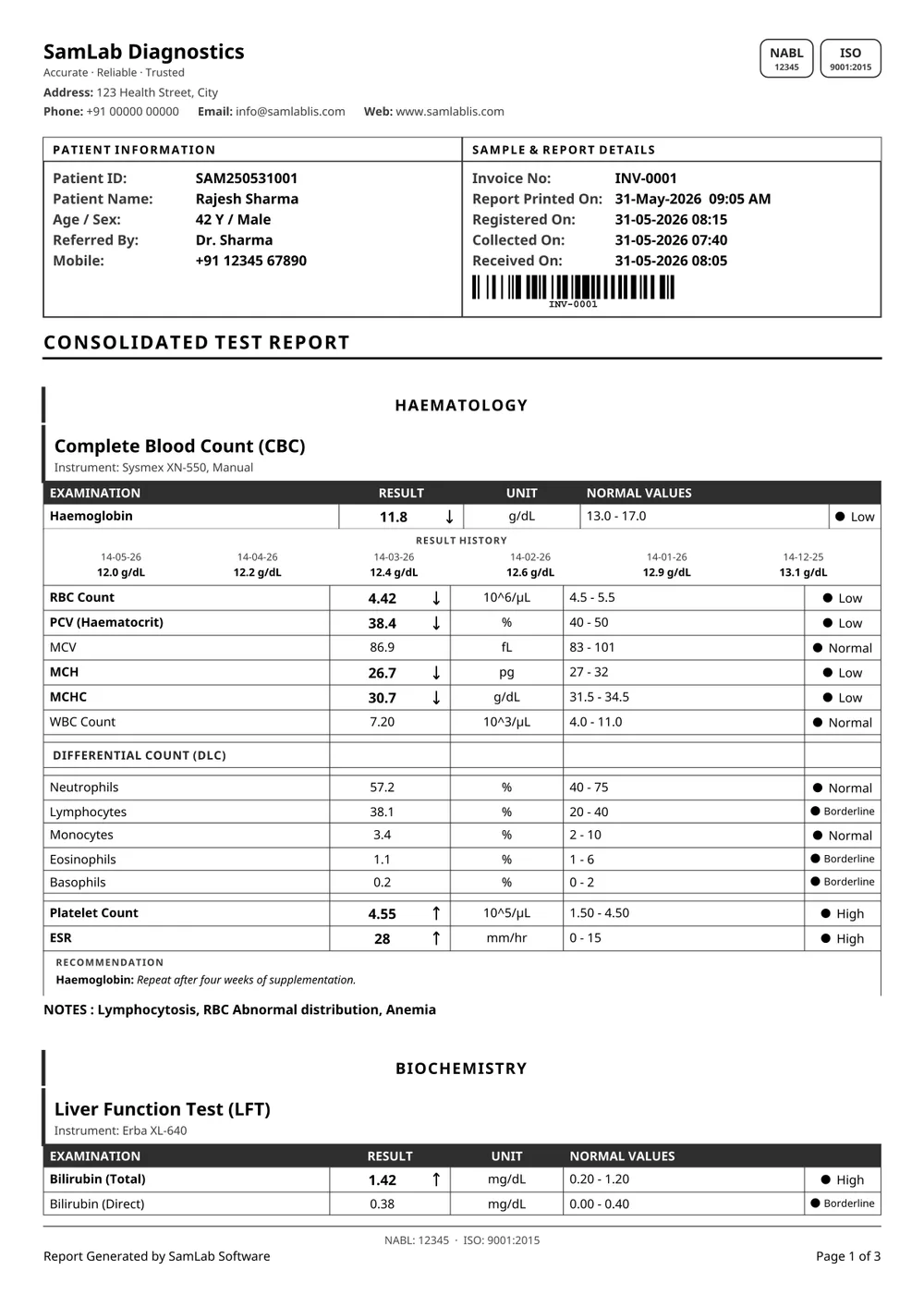
The boxed sheet, closed by a Description Texts block that states every out-of-range value in words — "Haemoglobin decreased by 1.2 from the lower normal limit".
Reports read by patients, not only by clinicians.
18
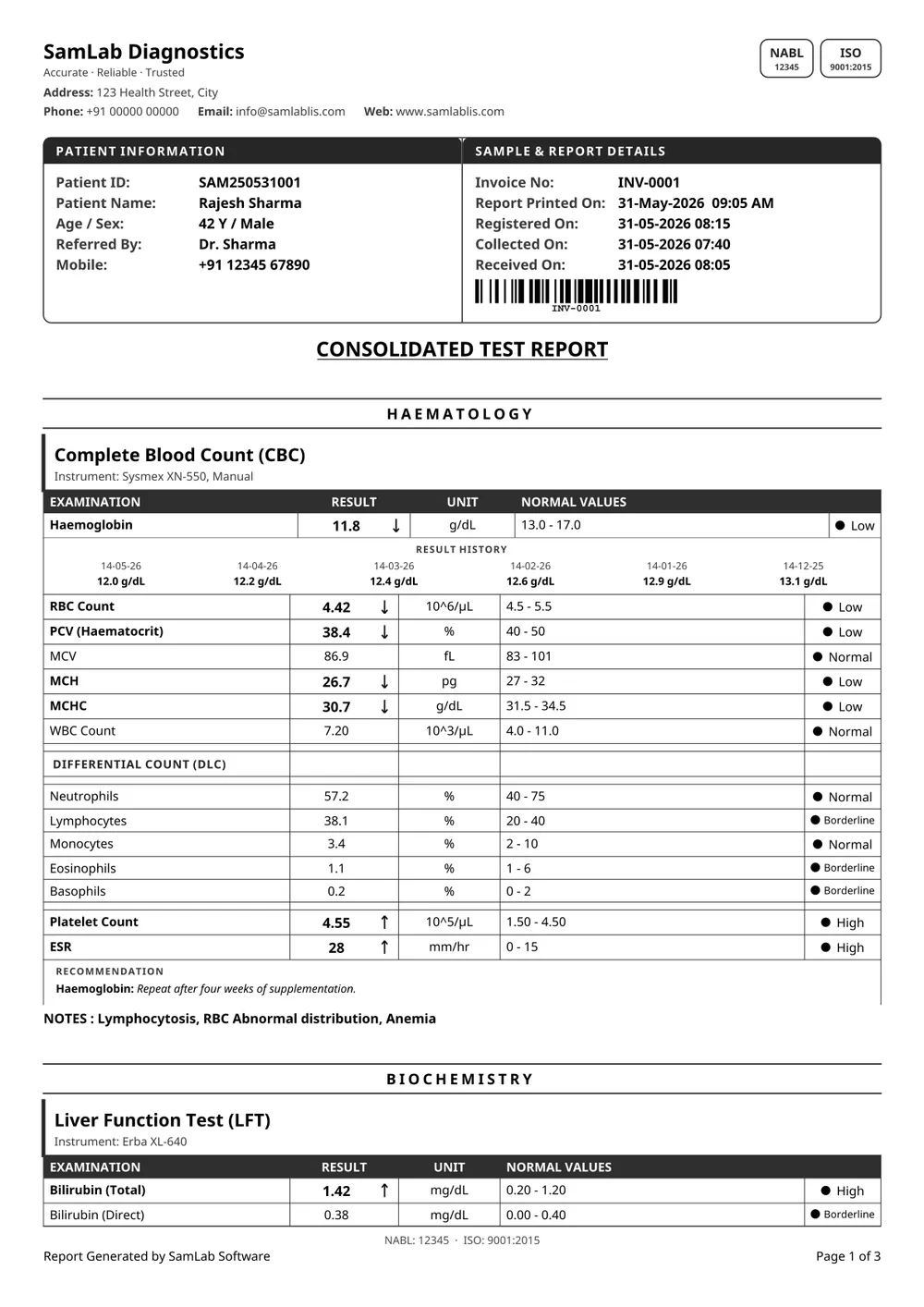
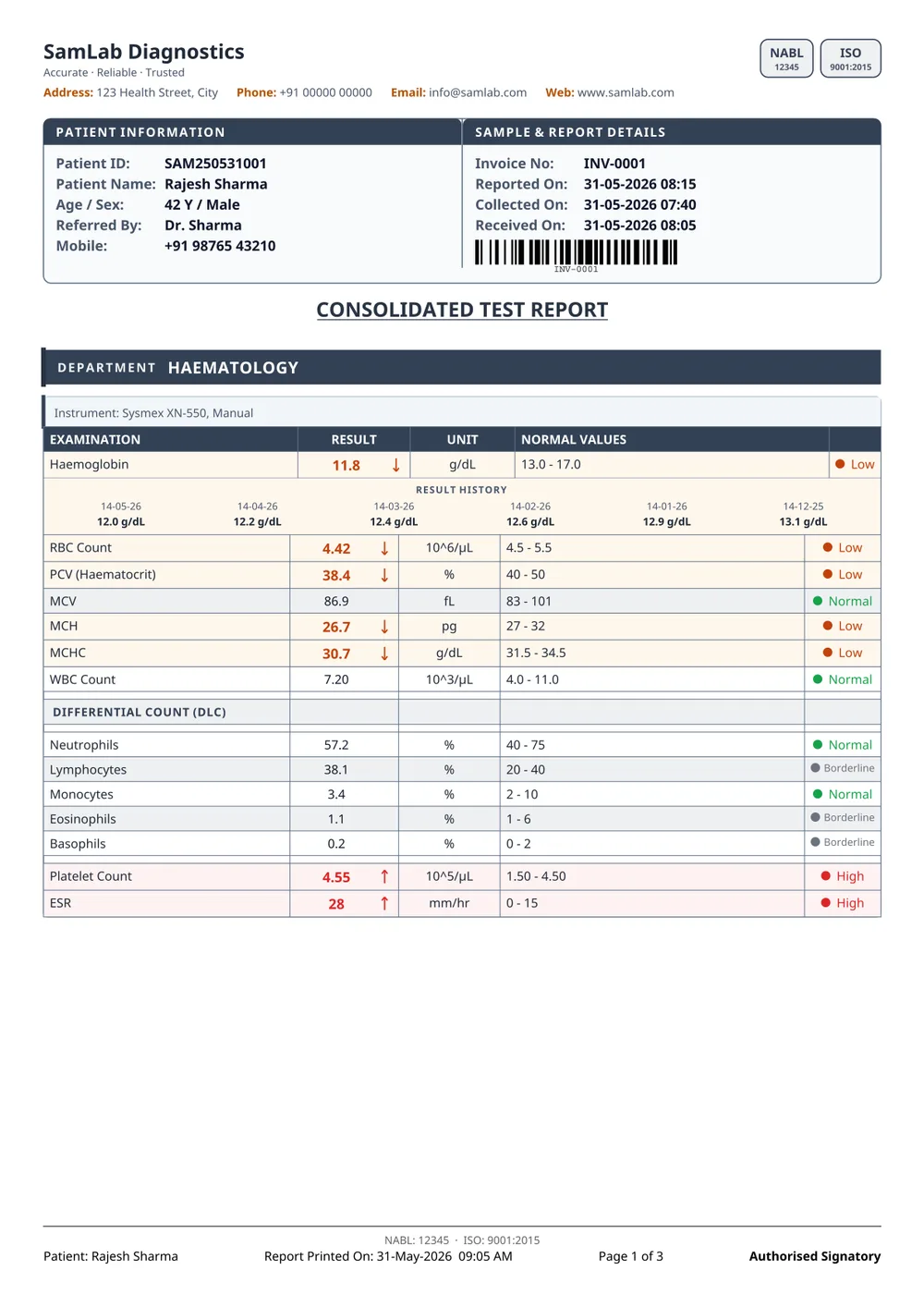
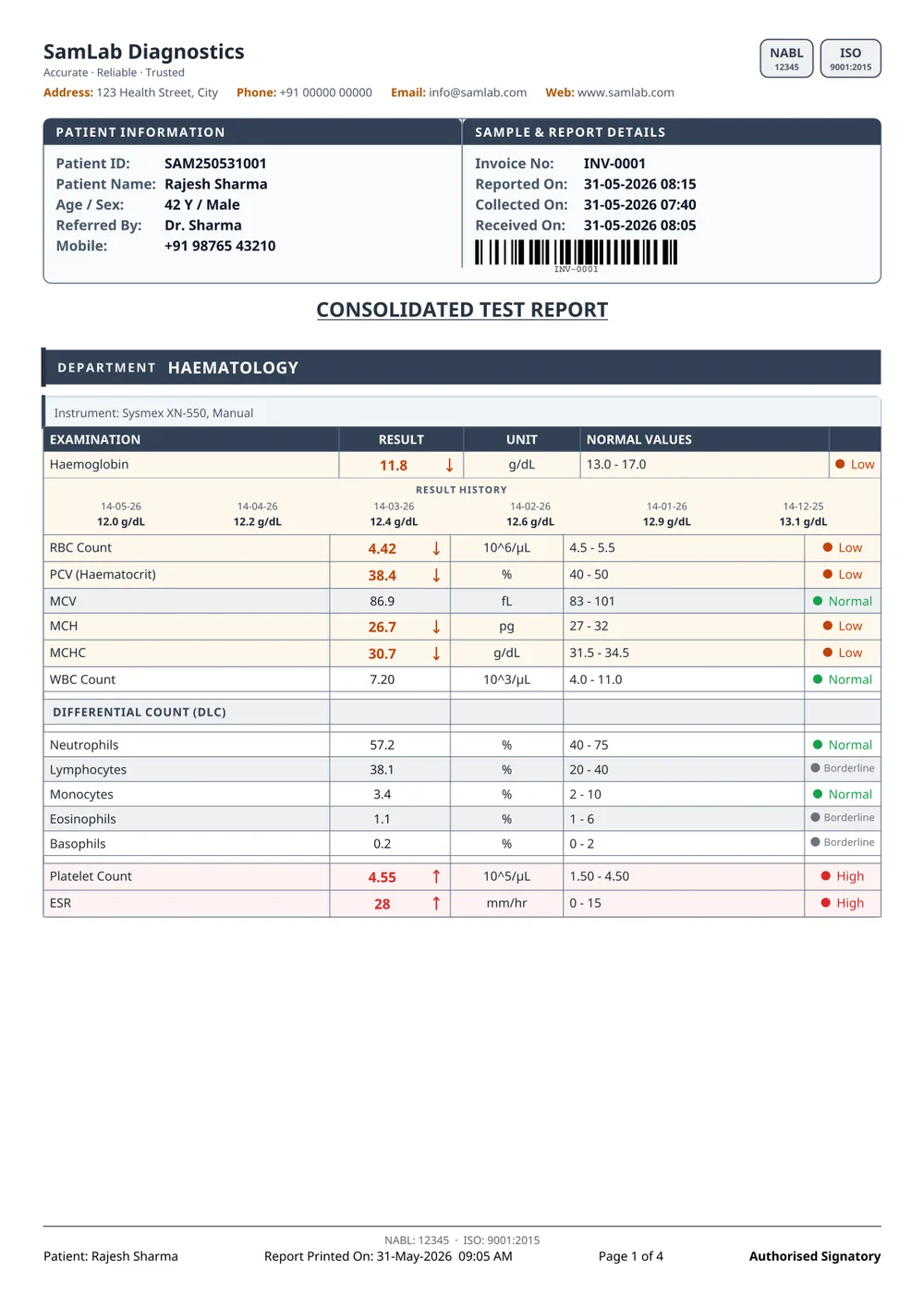
A boxed slate sheet captioned Examination / Result / Unit / Normal Values, with the flag in a narrow end column.
Doctors who expect the older column wording.
19
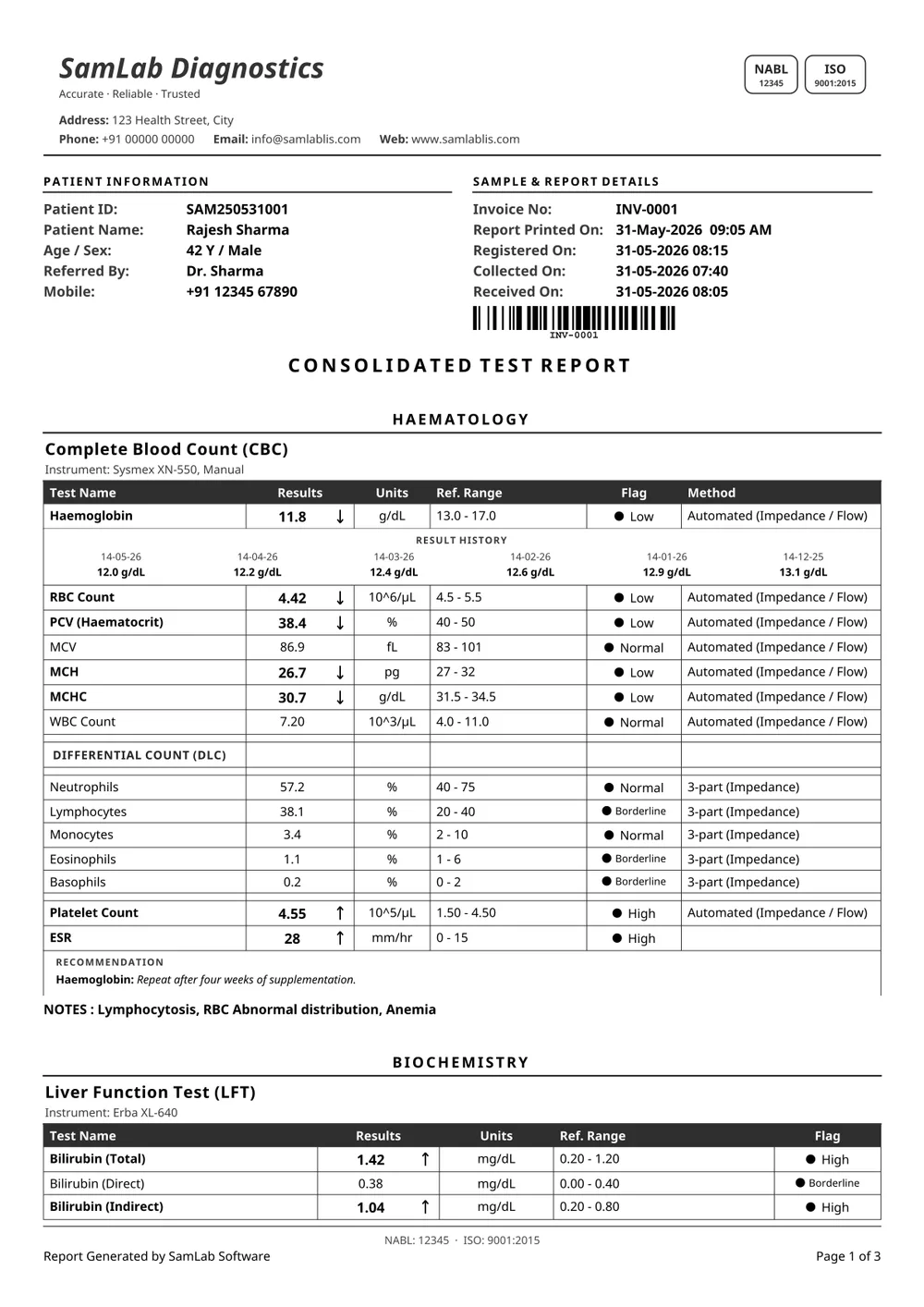
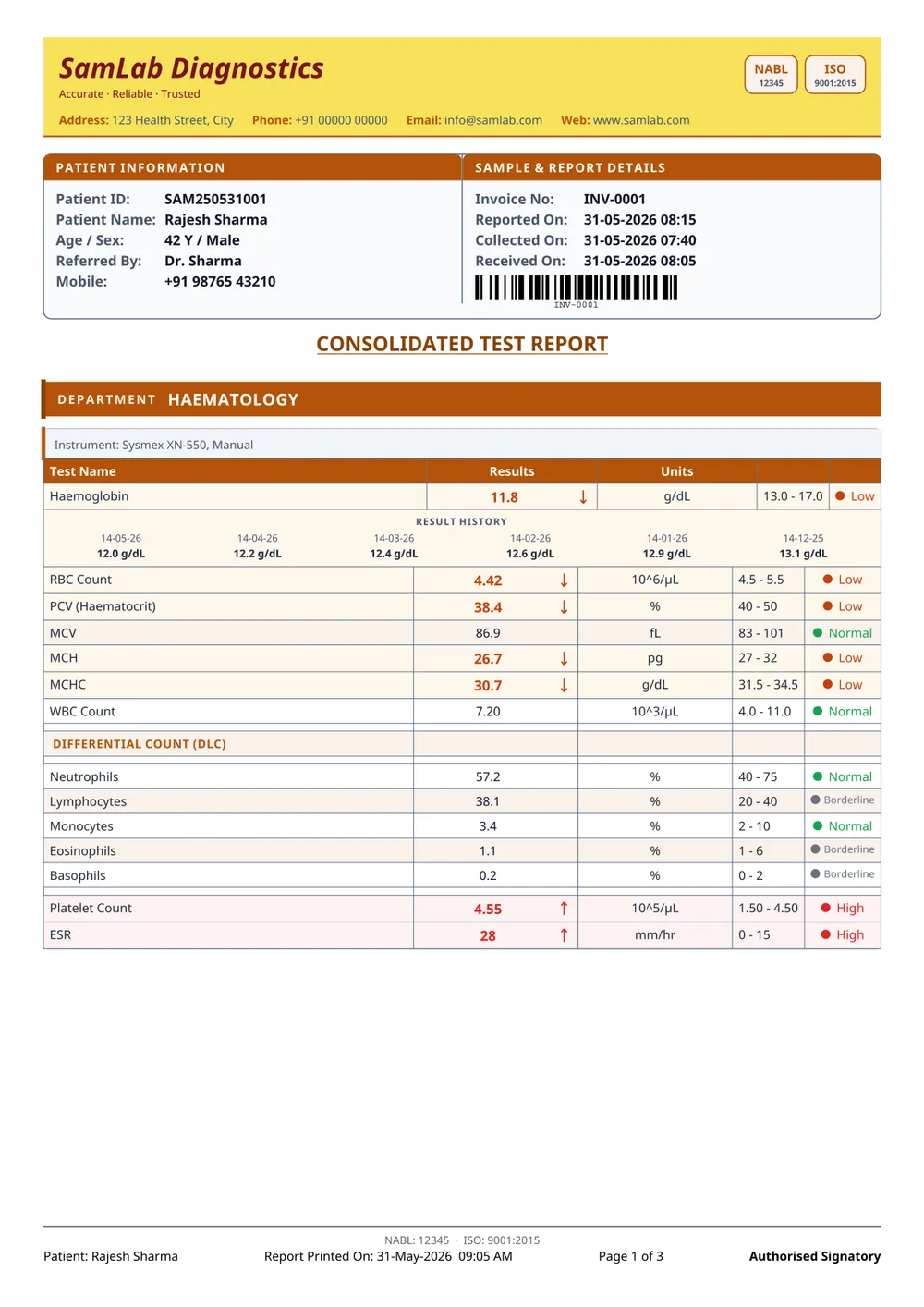
Grid 1's yellow band and Method column on the cumulative sheet, built so each past visit takes its own result column and a trend reads straight across the page.
Follow-up and monitoring panels.
20
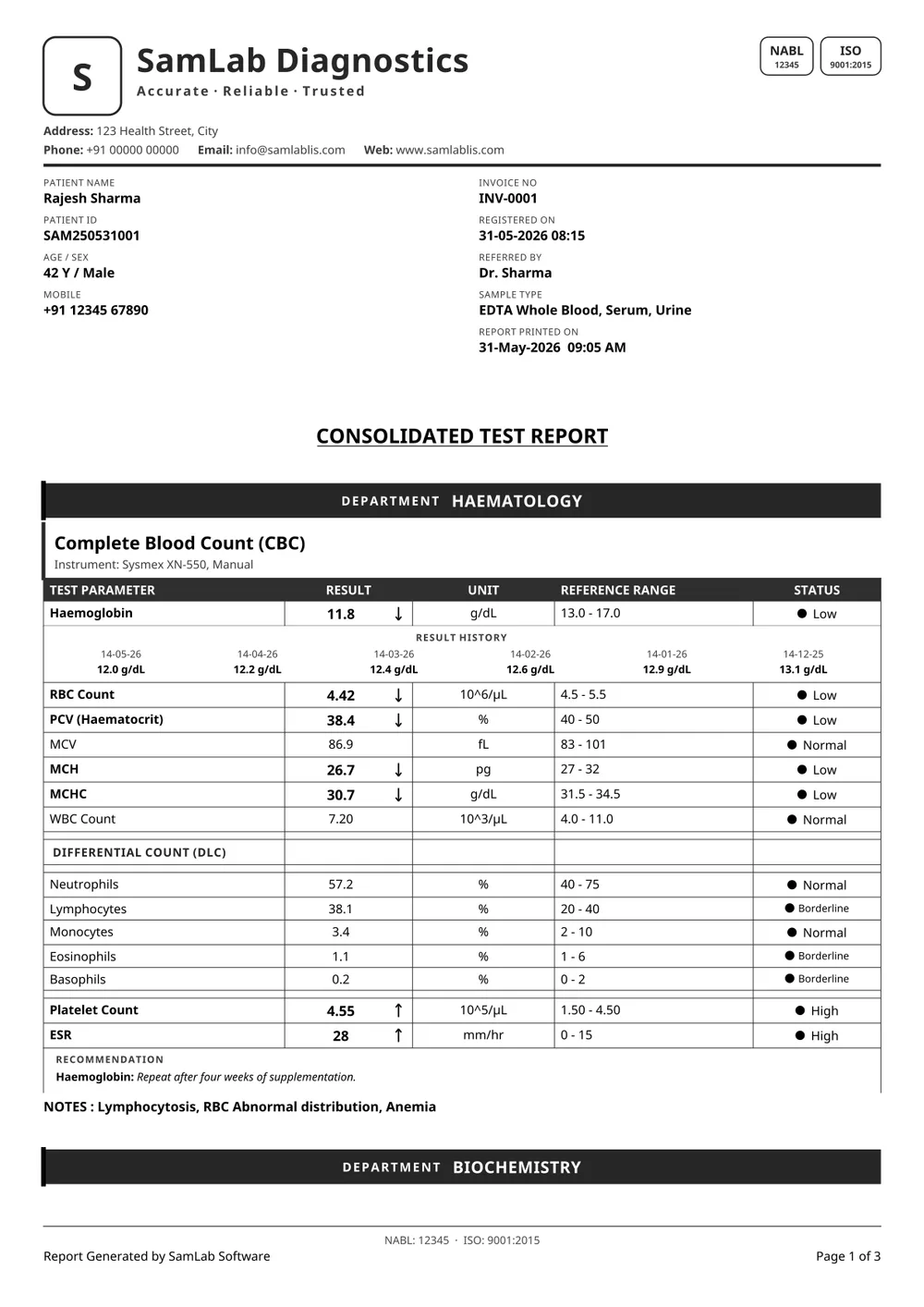
You place each patient and sample field yourself on the designer canvas. The results tables keep flowing underneath, so a long report can never overrun the layout you drew.
Matching a form you already print.
Upload the letterhead you already print on and SamLab scans it, finds where the artwork ends, and keeps the data inside the safe zone. Same for the logo and the authorised signature — cropped, cleaned of their white background, and synced to every branch of the lab.
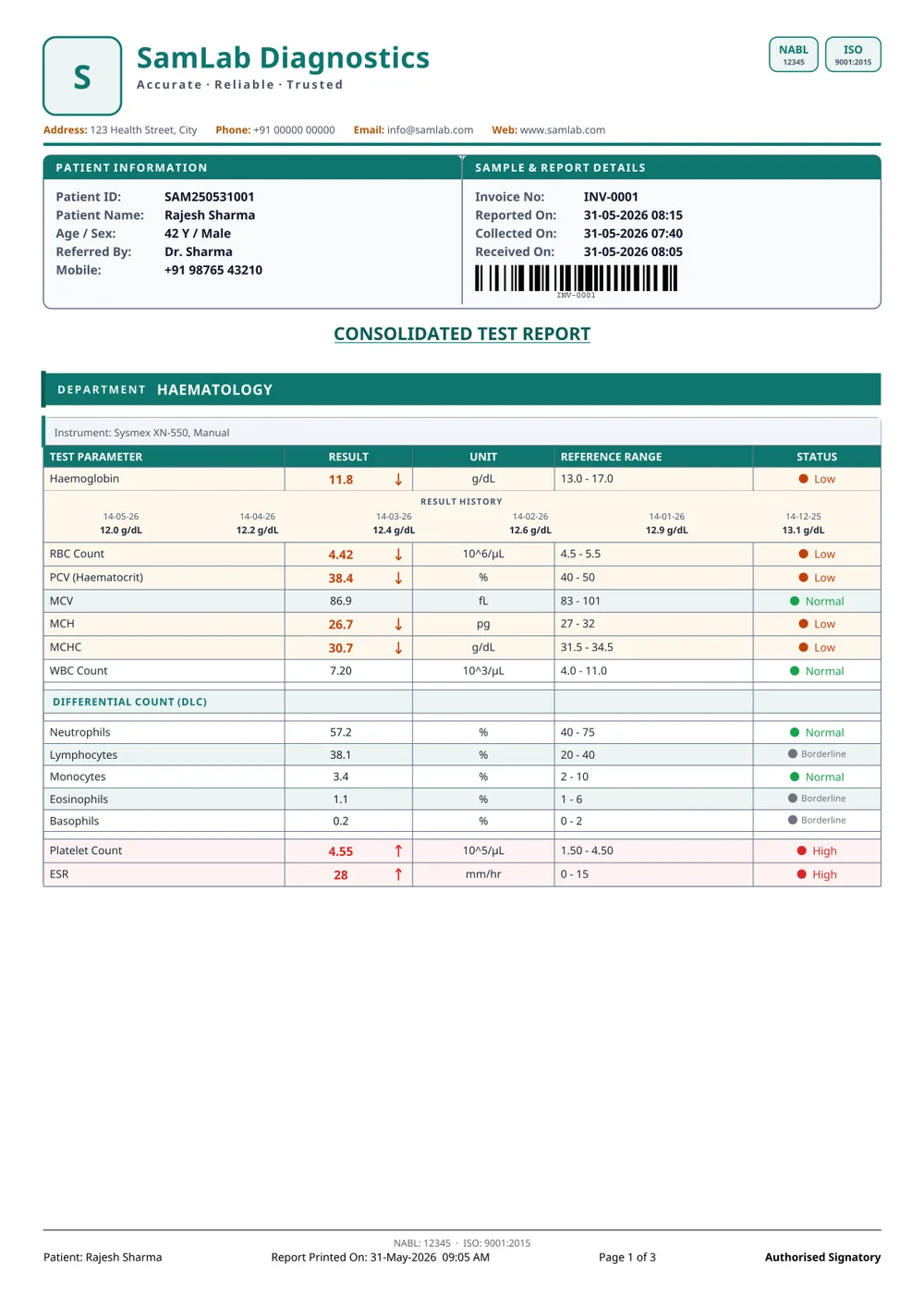
Font size is a lab-wide setting; the whole report re-flows rather than shrinking a table into the margin.
Download PDF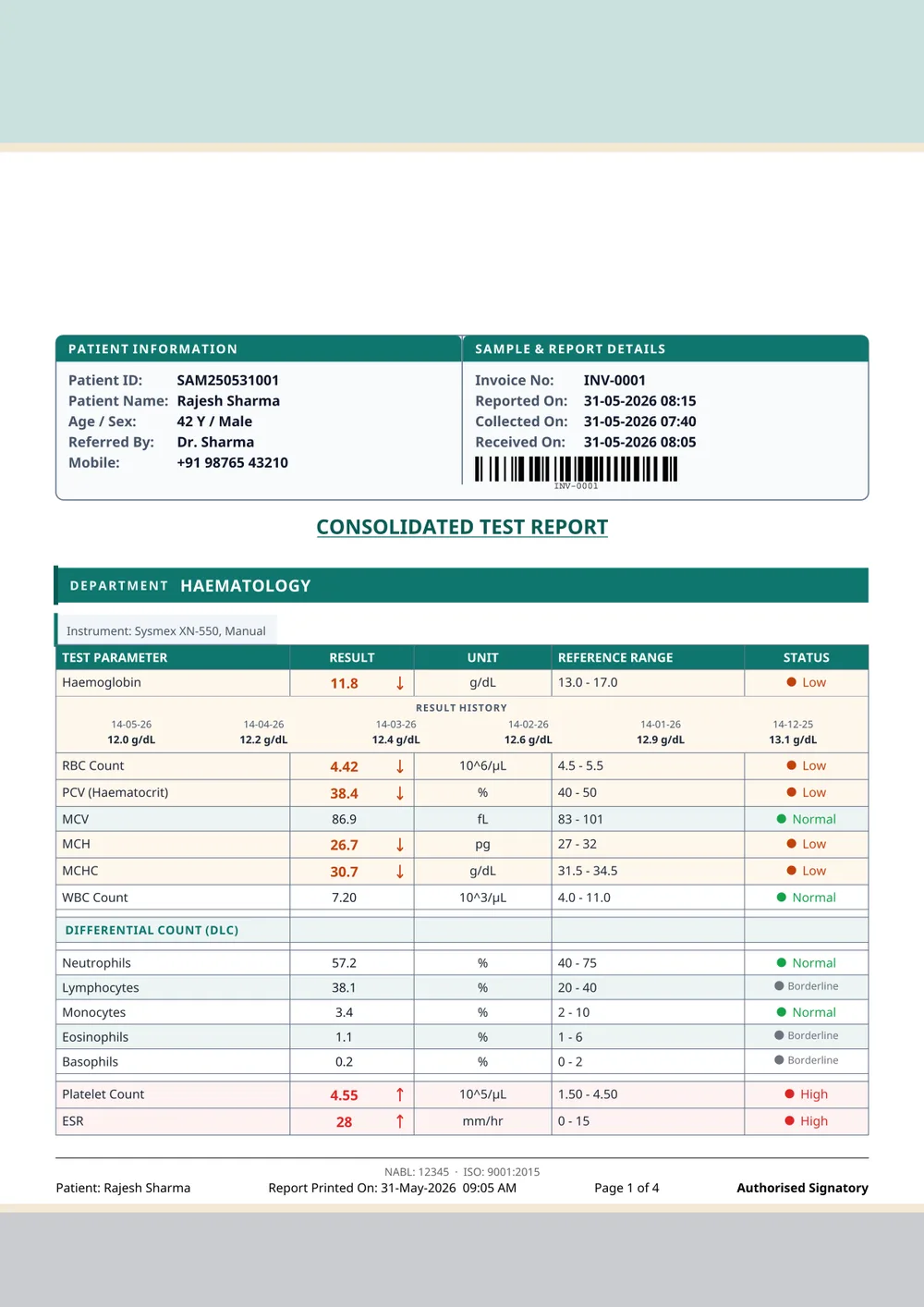
Upload the lab's letterhead once; the report prints inside the detected safe zone and the generated header steps aside.
Download PDF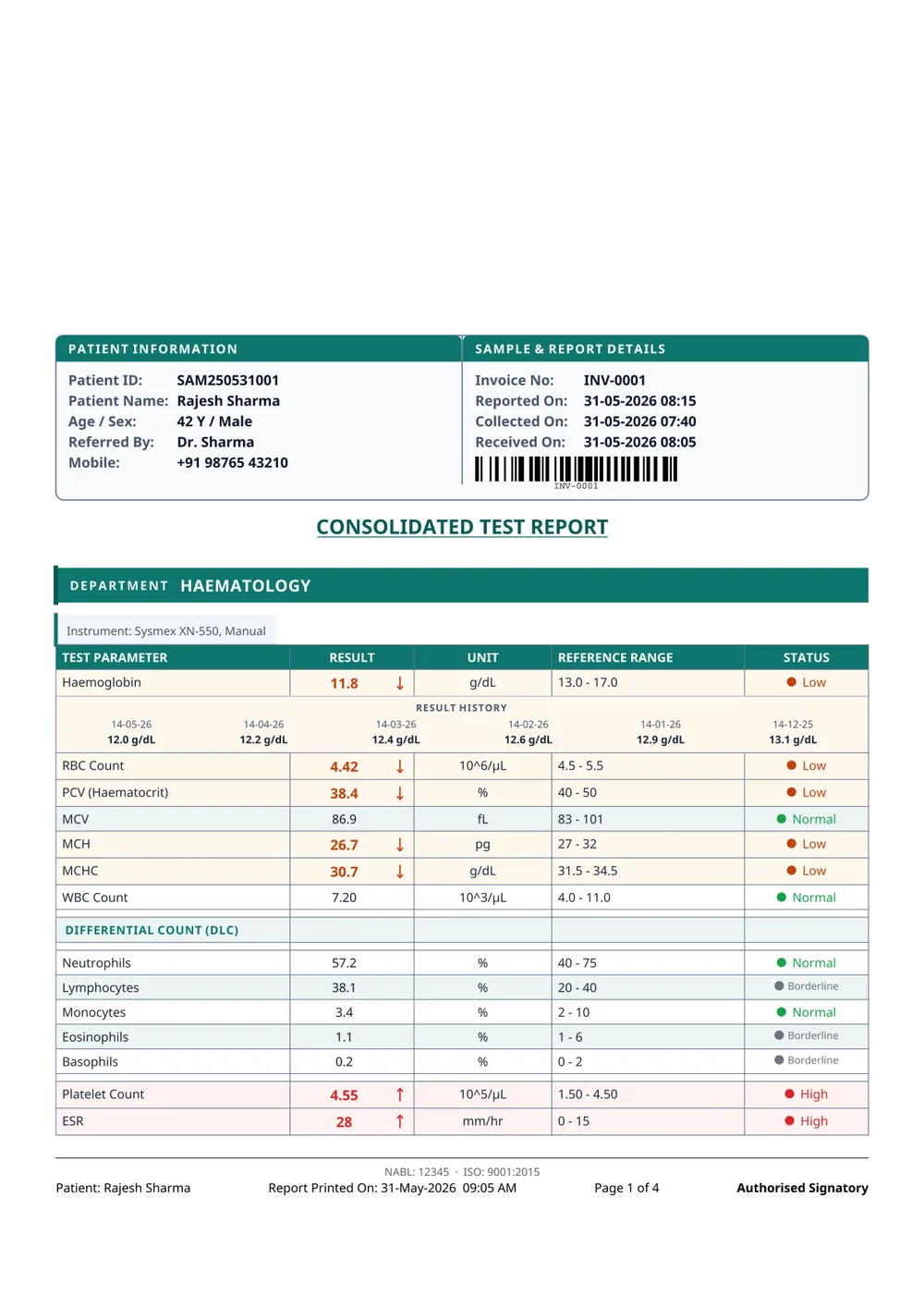
Paper already carries the letterhead, so the report leaves the top and bottom bands empty and prints only the data.
Download PDF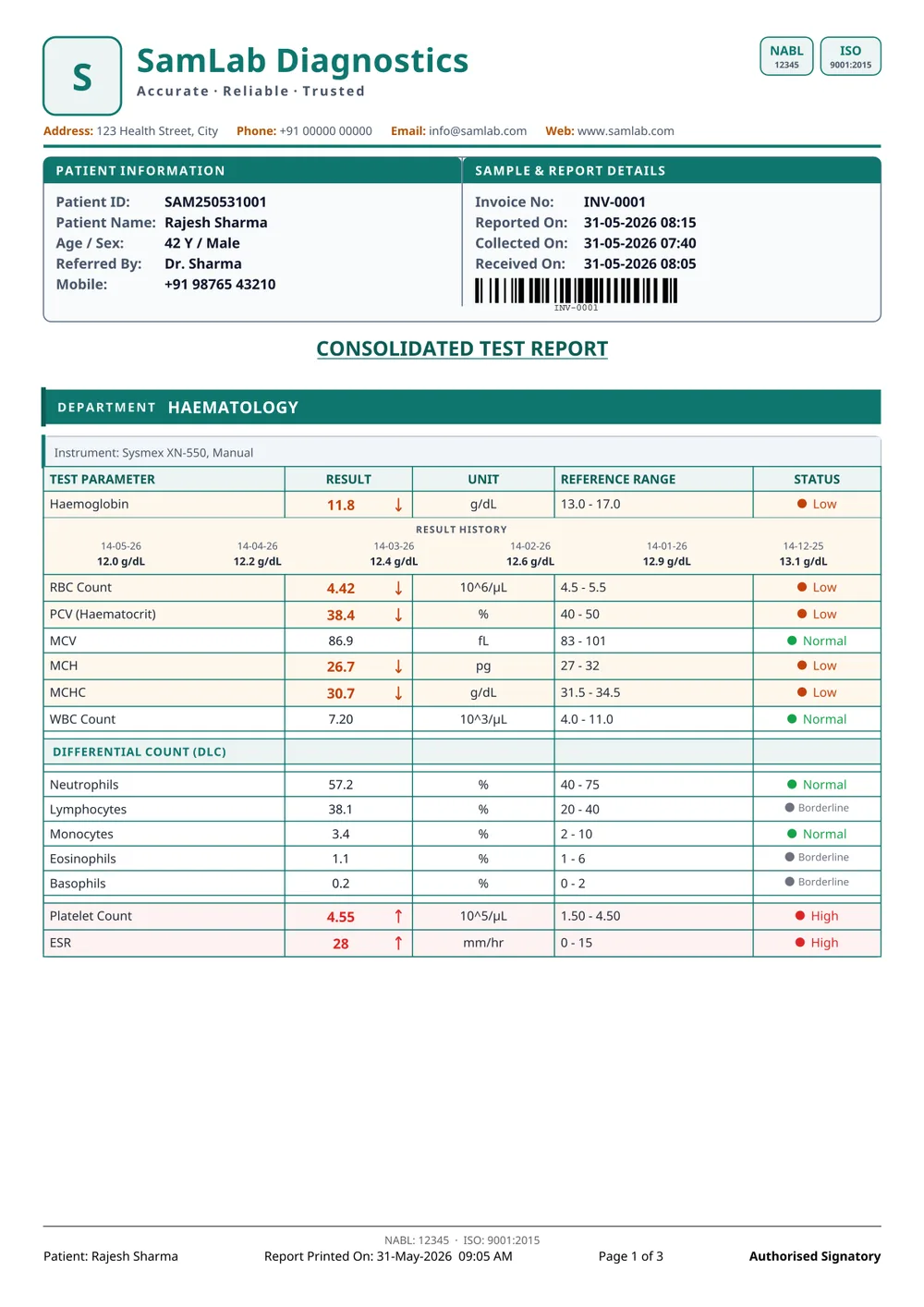
Every cell boxed, for labs whose doctors expect the older printed register look.
Download PDFThe accent drives the header band, the department rules and the table captions. Pick one for the lab, or let each department carry its own so a technician knows what came off the printer before reading a word.
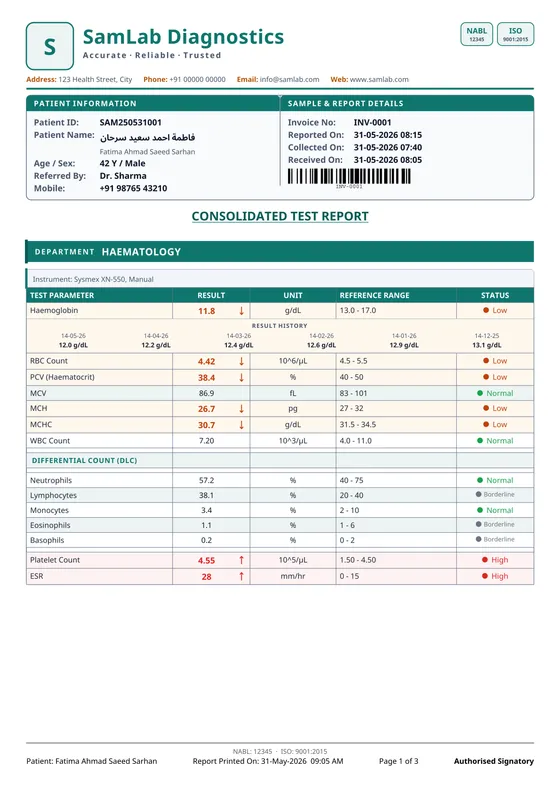
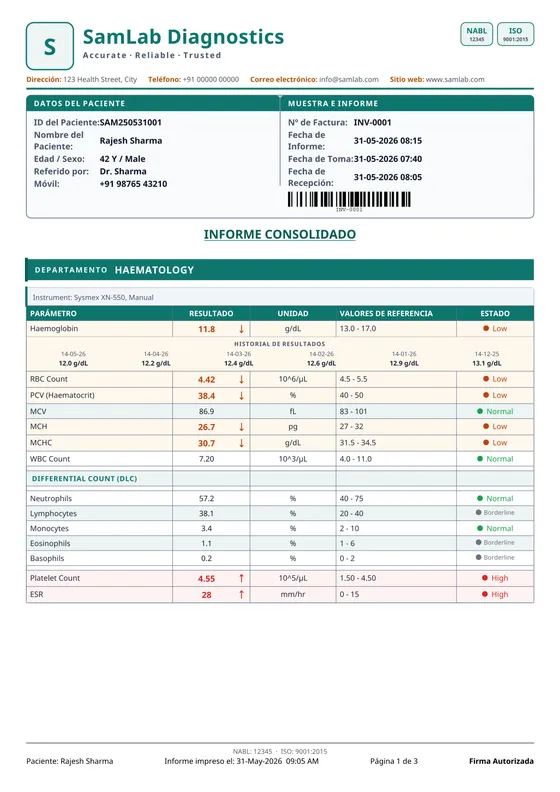
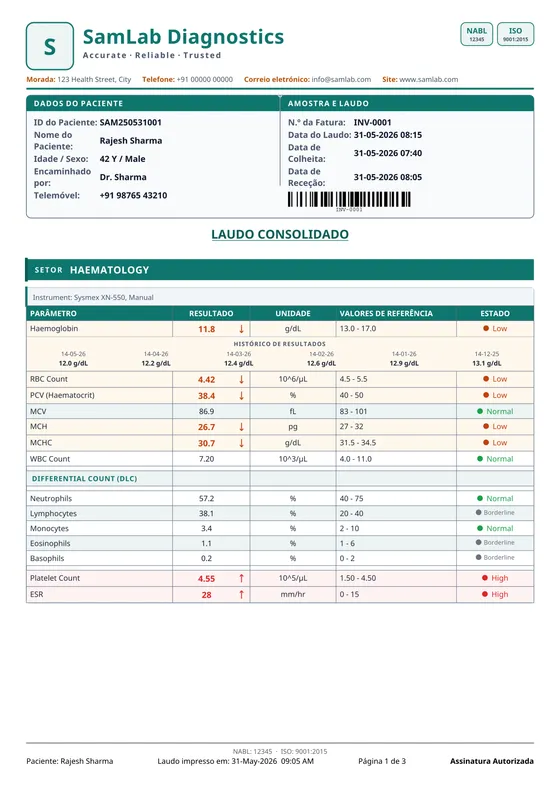
Column captions, the patient band and the footer print in the language the lab reports in. Right-to-left is a real layout, not a mirrored one — an Arabic patient name joins correctly and sits above its Latin transliteration.
Country packs also set the currency, the date order and the phone format on everything else the lab prints.
Most of the designs on this page started as a sheet a lab emailed us. Send yours — a scan or a PDF — and we will build it as a format, so switching to SamLab does not mean asking your doctors to get used to a new-looking report. Custom designs are a paid, made-to-order service, priced per design.
No card. No catch. Run SamLab on your own data — online or offline — and feel the difference before you pay a rupee.